How to reuse a design across multiple products
Last updated: April 30, 2026
Creating a design once — whether from scratch or by modifying an existing one — doesn’t mean using it only on one product.
In Customily, you can reuse the same design across multiple products, making it easy to expand your catalog without starting from scratch.
Every time you apply a design to a new product, you can adjust its size and placement to fit the print area, so it works across different formats.
How does it work?
Designs have a size, but you can always resize and reposition them when placing them on a product. This makes it easy to reuse the same design across different products.
Customily designs are already created with enough quality to work across both small and large products.
If you’re creating your own designs, we recommend using a size that gives you that same flexibility — the default 1000 × 1000 mm size is usually a great starting point.
How to use your design on another product
To publish a new product using an existing design, just follow the usual steps to create a product:
When you place the design on the product, make sure to resize and position it to fit the print area properly.
When to adjust your design
In most cases, resizing when placing the design on a product is enough. But, if the new product has a very different shape or orientation (for example, landscape vs portrait), you may need to adjust the design to make it fit well before using it.
In that case, it’s best to create a new design by cloning the existing one:
Open My designs
Clone your design
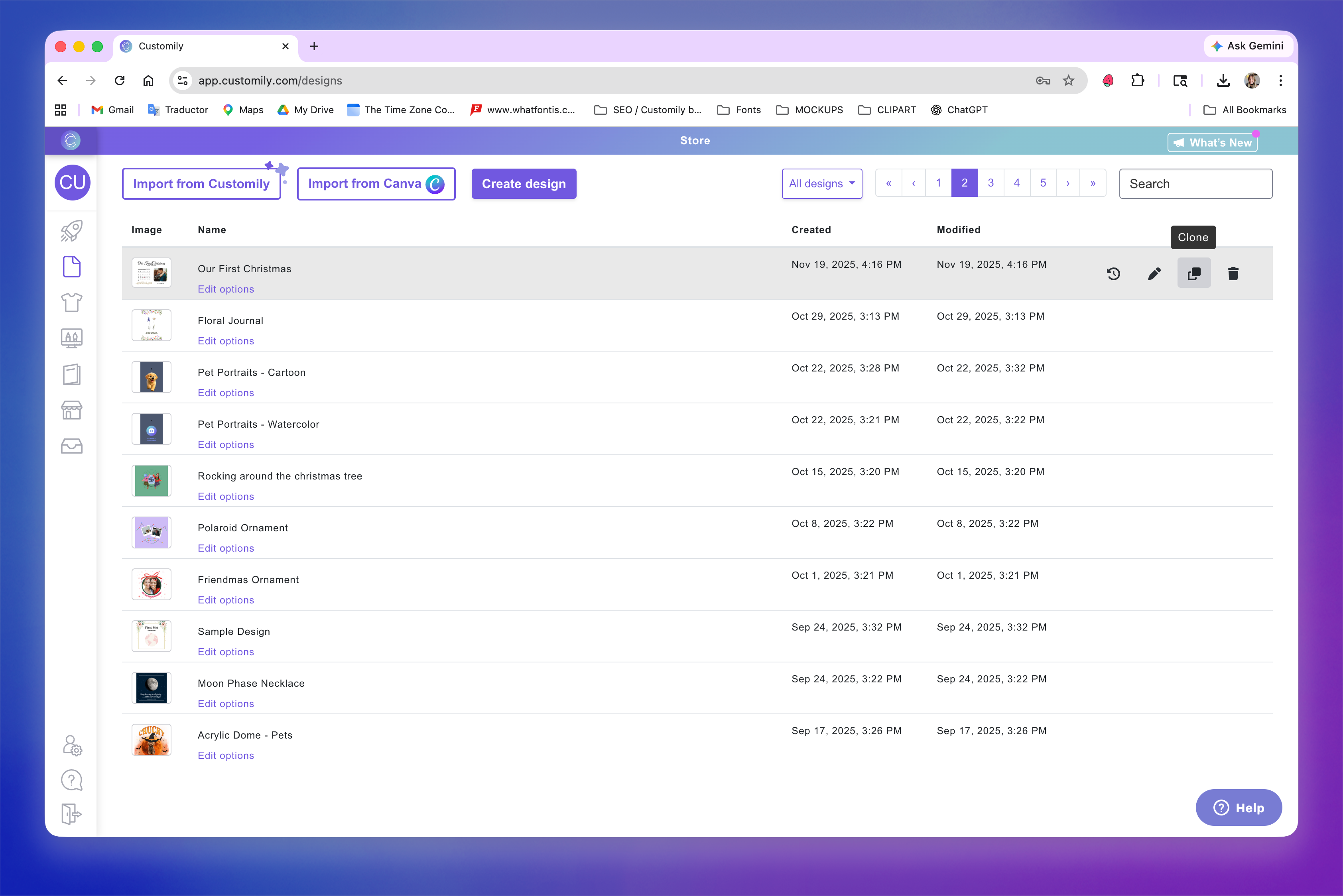
Open the cloned design to edit it
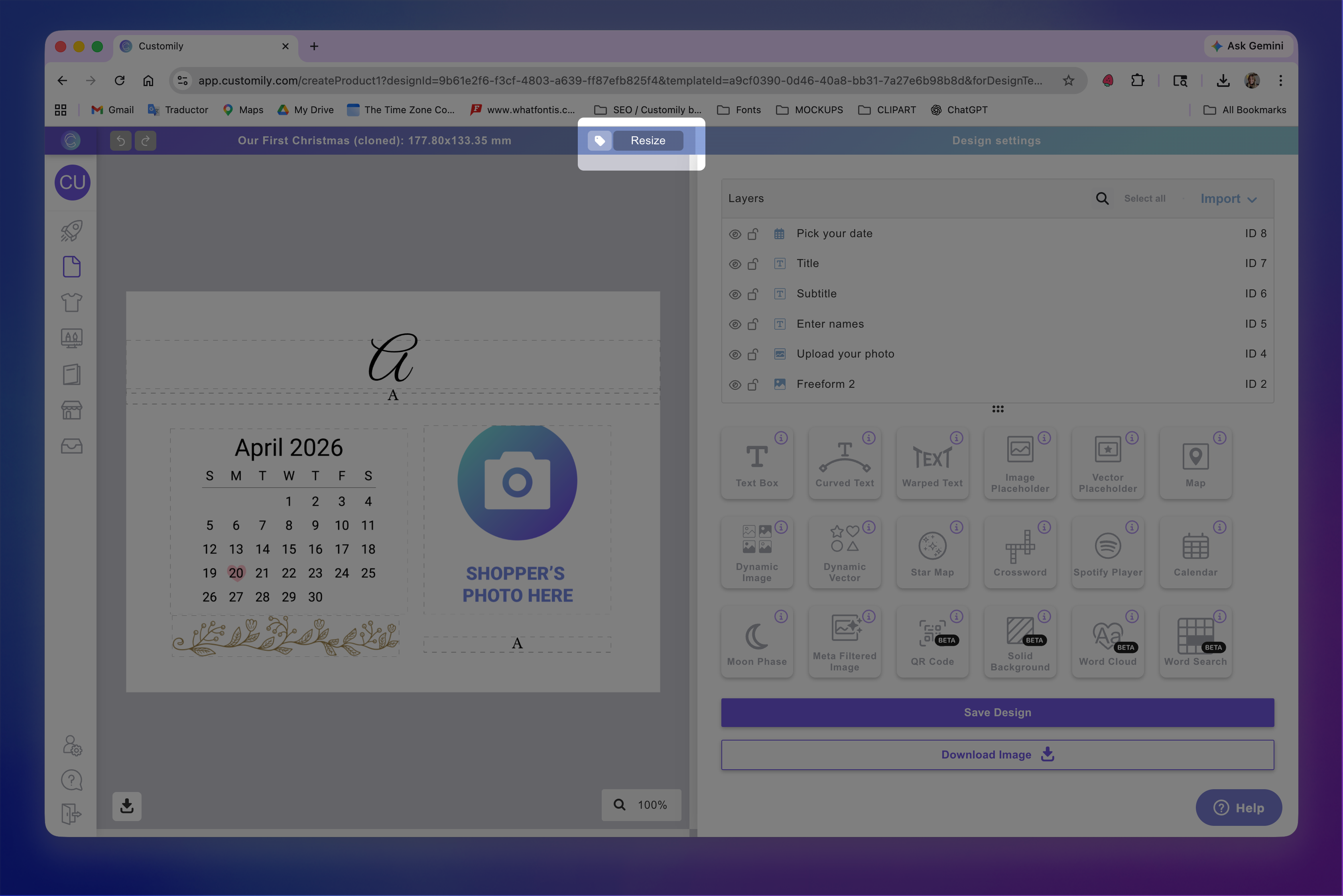
Resize the design
Adjust elements to fit the new format
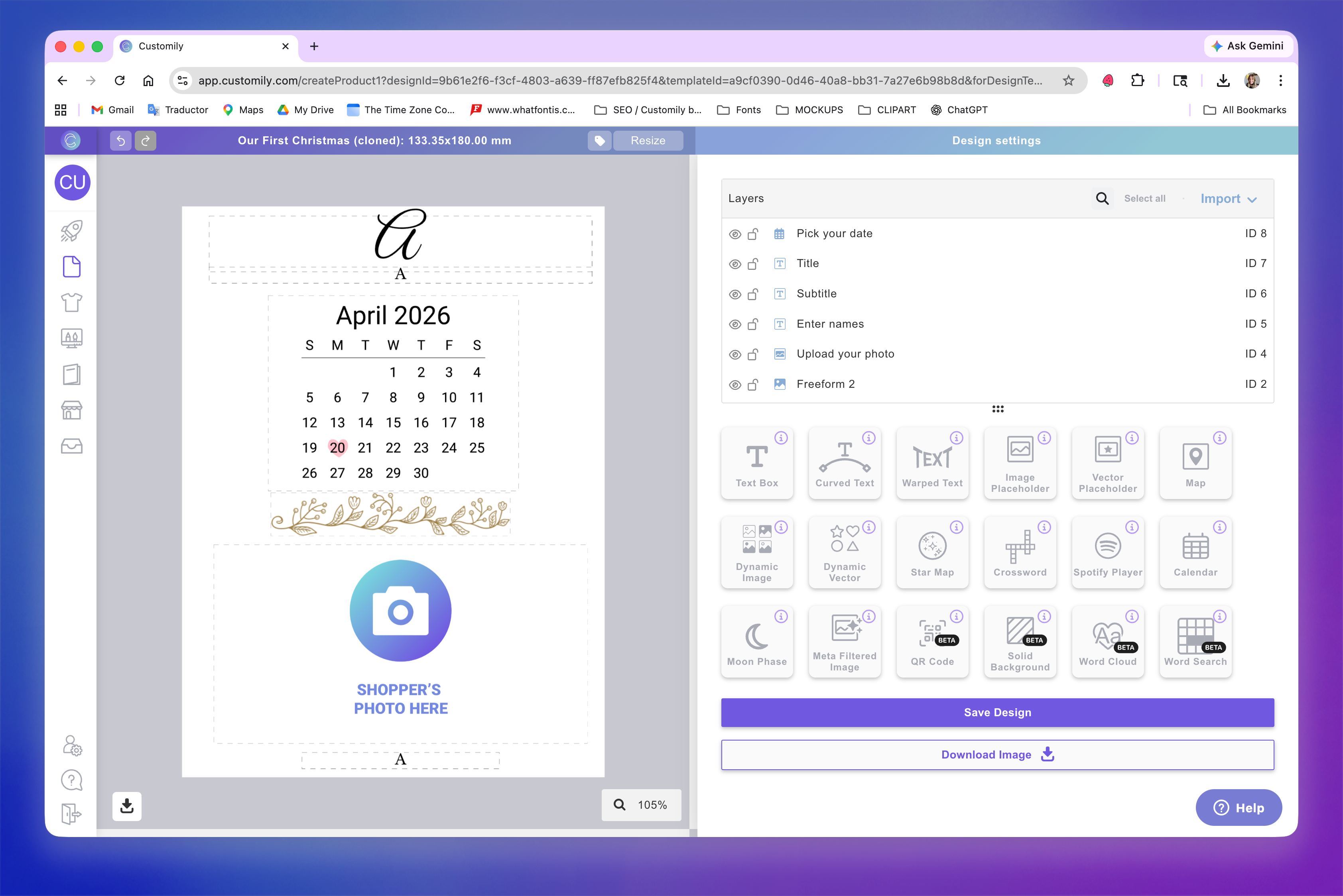
Save your design:
→ Use Save if you only adjusted size and/or position (most likely)
→ Use Save and update options if you added or removed elements
Use that version for the new product