How to change your payment method
Last updated: April 28, 2026
If you are using Customily Product Personalizer for Shopify on the $49/month plan.
Your payment method is the one you have configured on Shopify. Learn how to change your payment method for Shopify here.
To change your payment method:
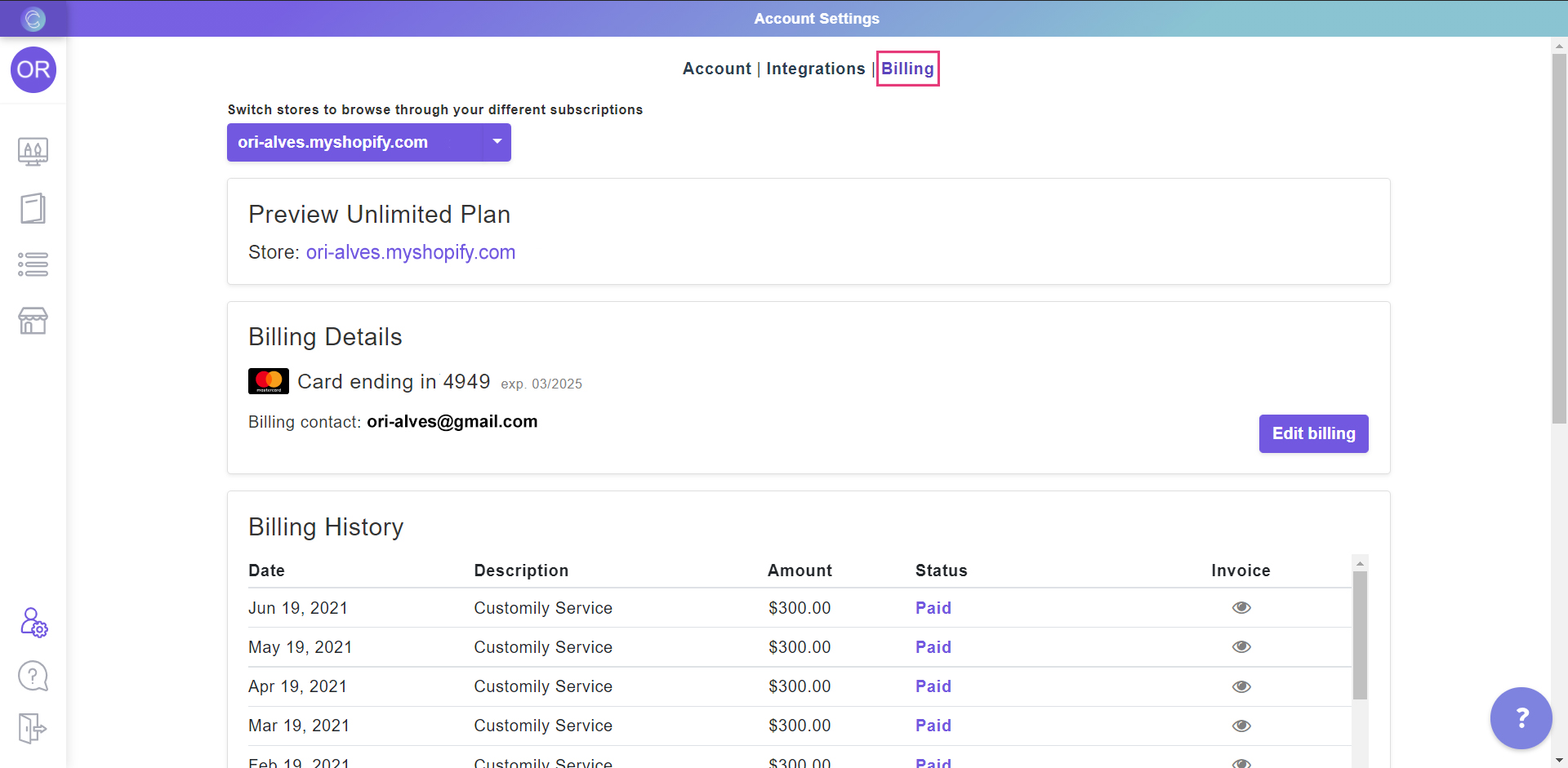
1. Access your billing information.
2. Scroll down to your billing details.
3. Click on Edit billing to change your credit card details.
Important:
If you cannot see the Billing section in your Account tab, please contact our support team and ask them to enable it for you.