Browse your store products in Customily
Last updated: May 25, 2026
The Products area inside the Store section shows all products from your connected ecommerce store, making it easy to browse your catalog and manage which products are linked to Customily.
From here, you can quickly see which products are already connected to Customily, search for specific products, and filter your catalog to focus on the products you want to manage.
Accessing your products
To view your store products:
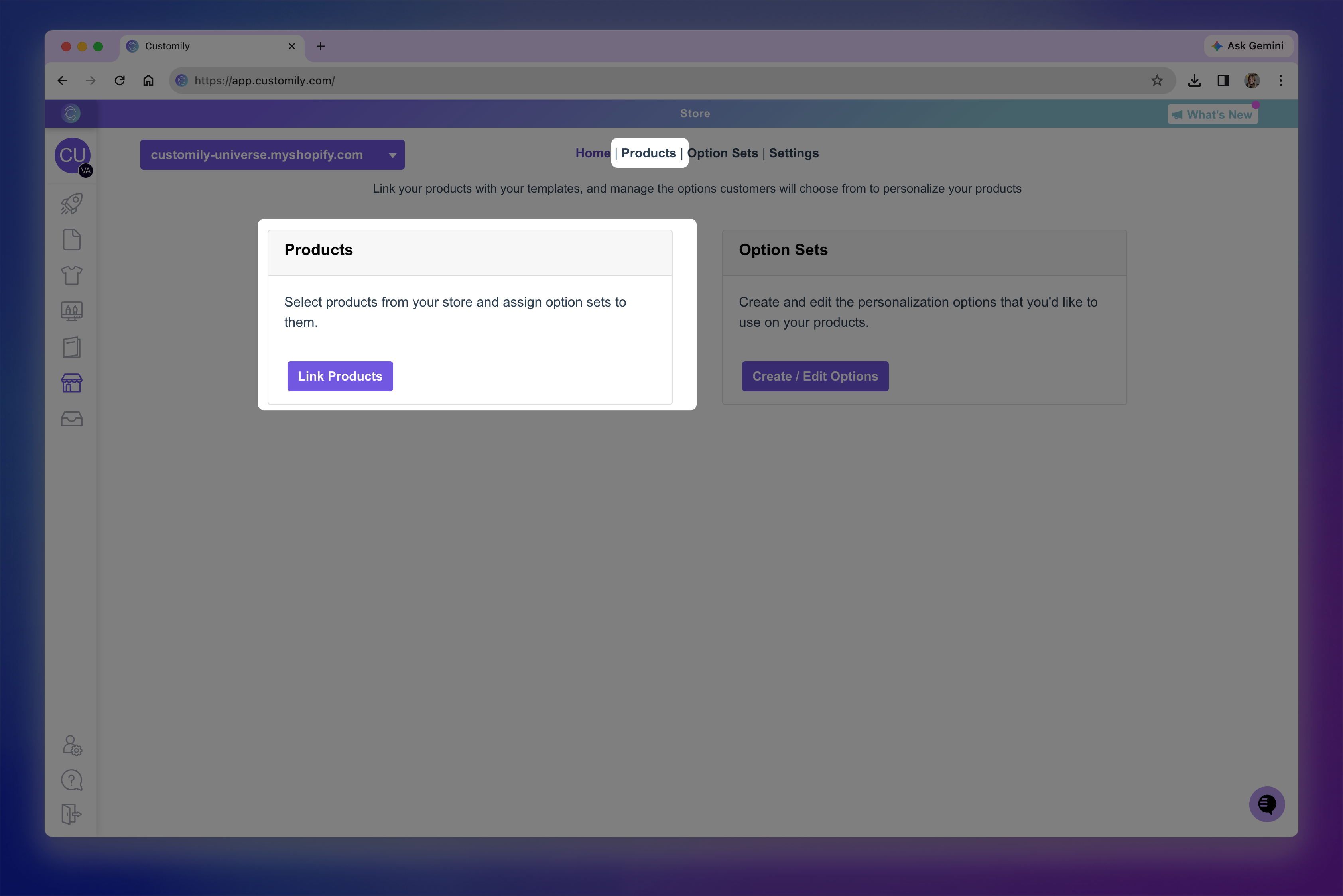
Open Store from the left-hand menu.
Click Products from the Store navigation menu.
This will open your full product catalog.
What products appear here?
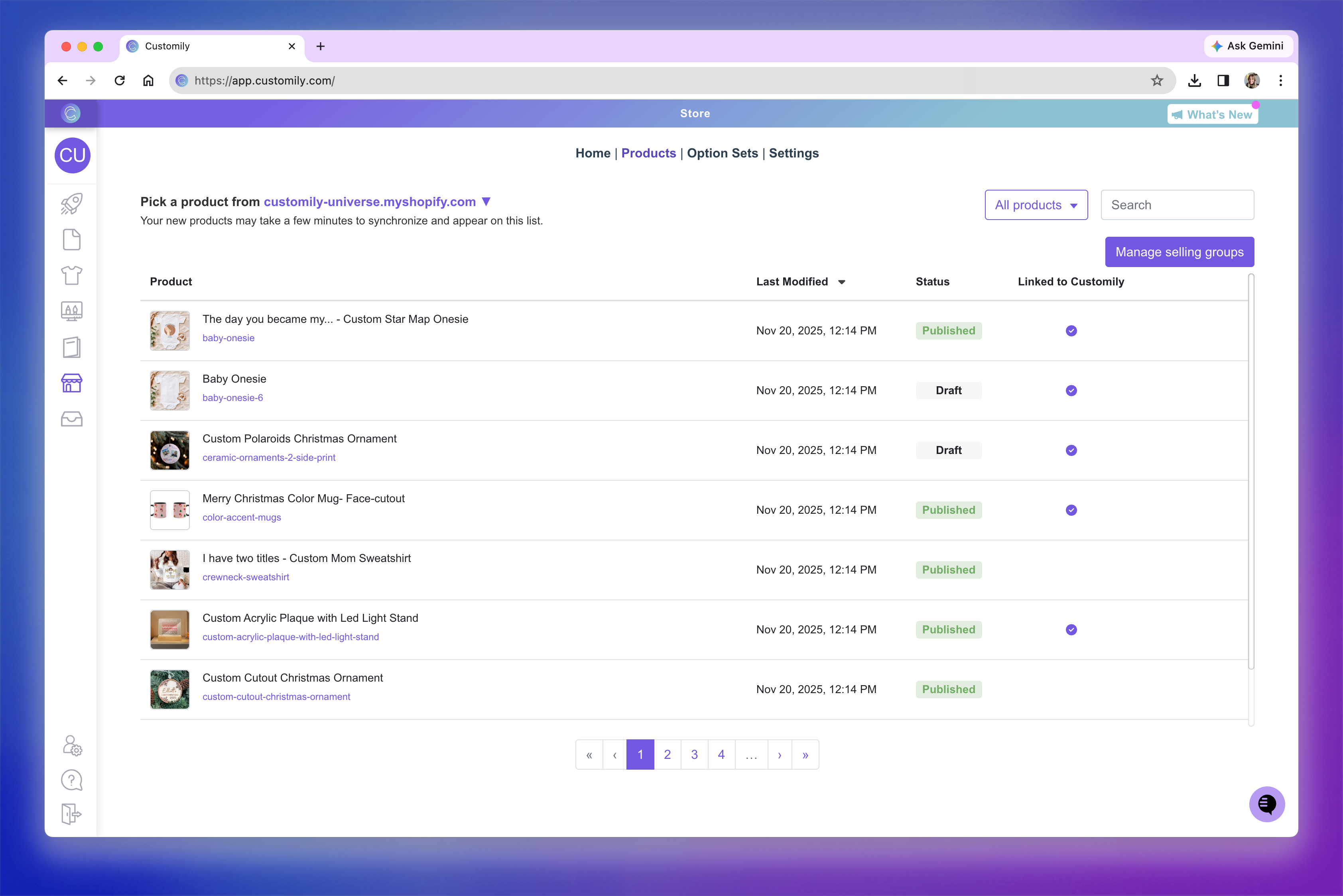
The Products section displays all products from your connected ecommerce store, including:
products already linked to Customily
products that are not yet connected
products created through Customily’s guided setup
products created directly in your ecommerce platform
Newly created products on your ecommerce platform may take a few minutes to synchronize and appear in the list.
Tip
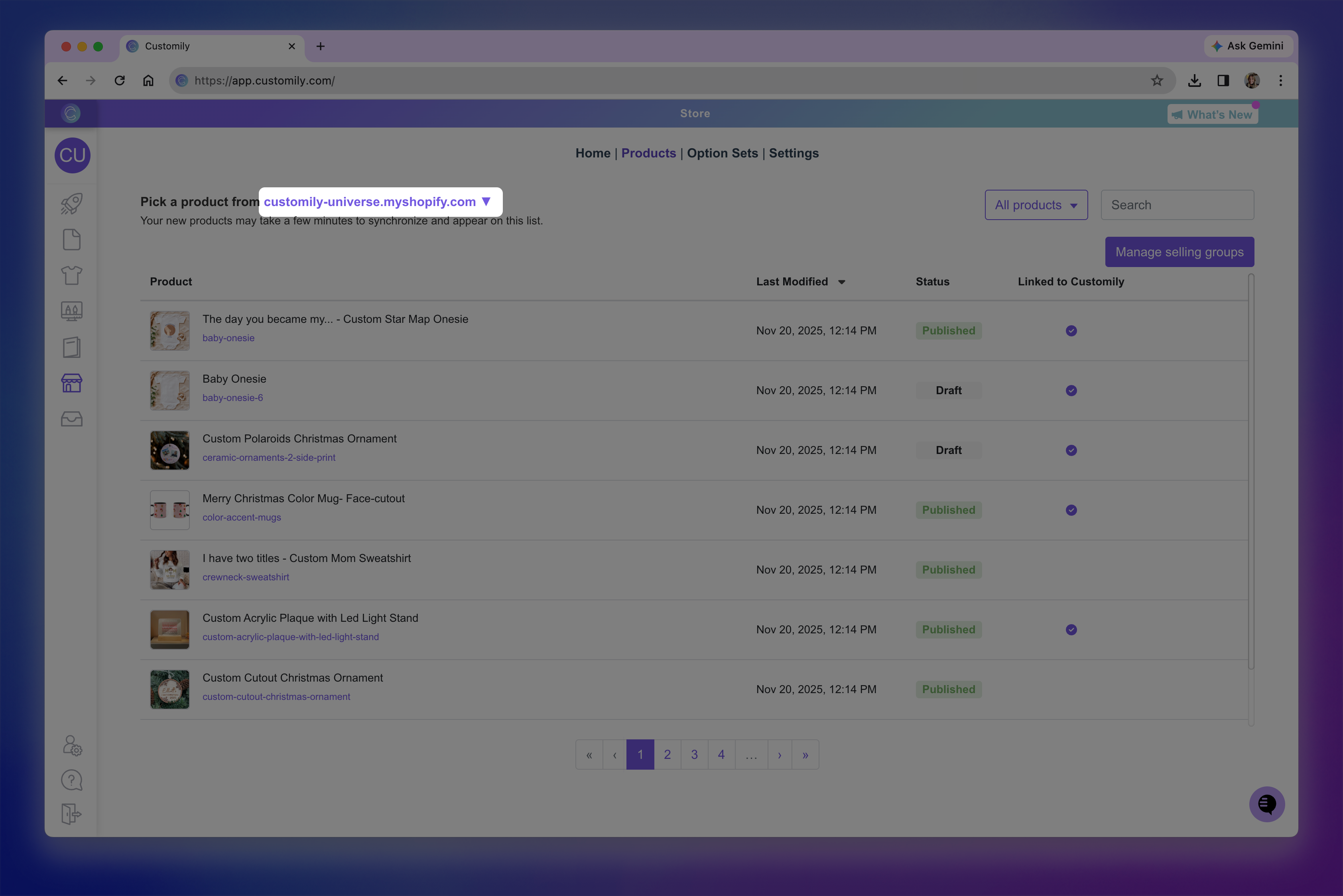
If you have multiple stores connected to your Customily account, use the store selector at the top left to switch between them and view the products for each store.
Finding specific products
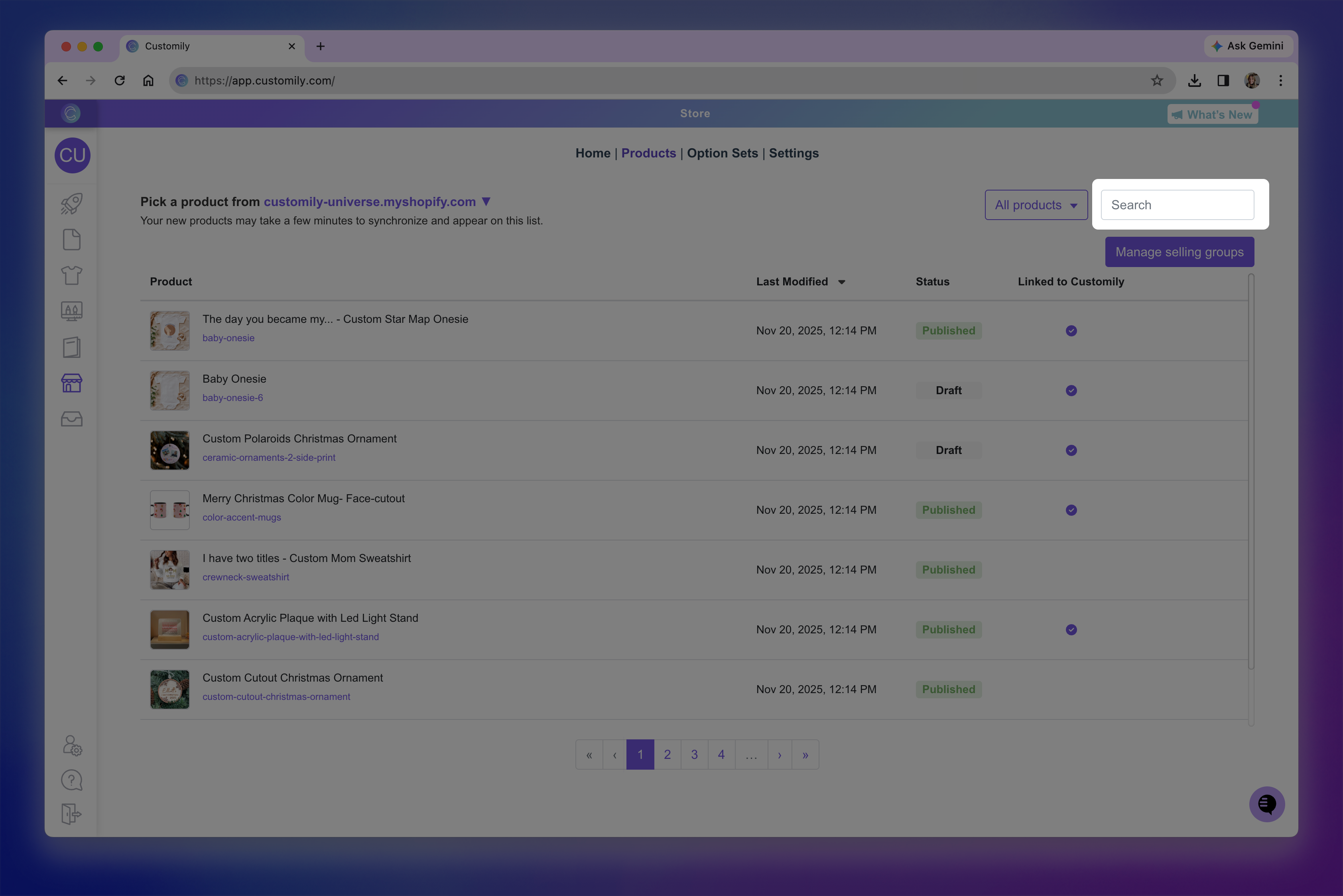
If your store has many products, you can quickly narrow the list using the available tools.
Use the search bar to find a product by name.
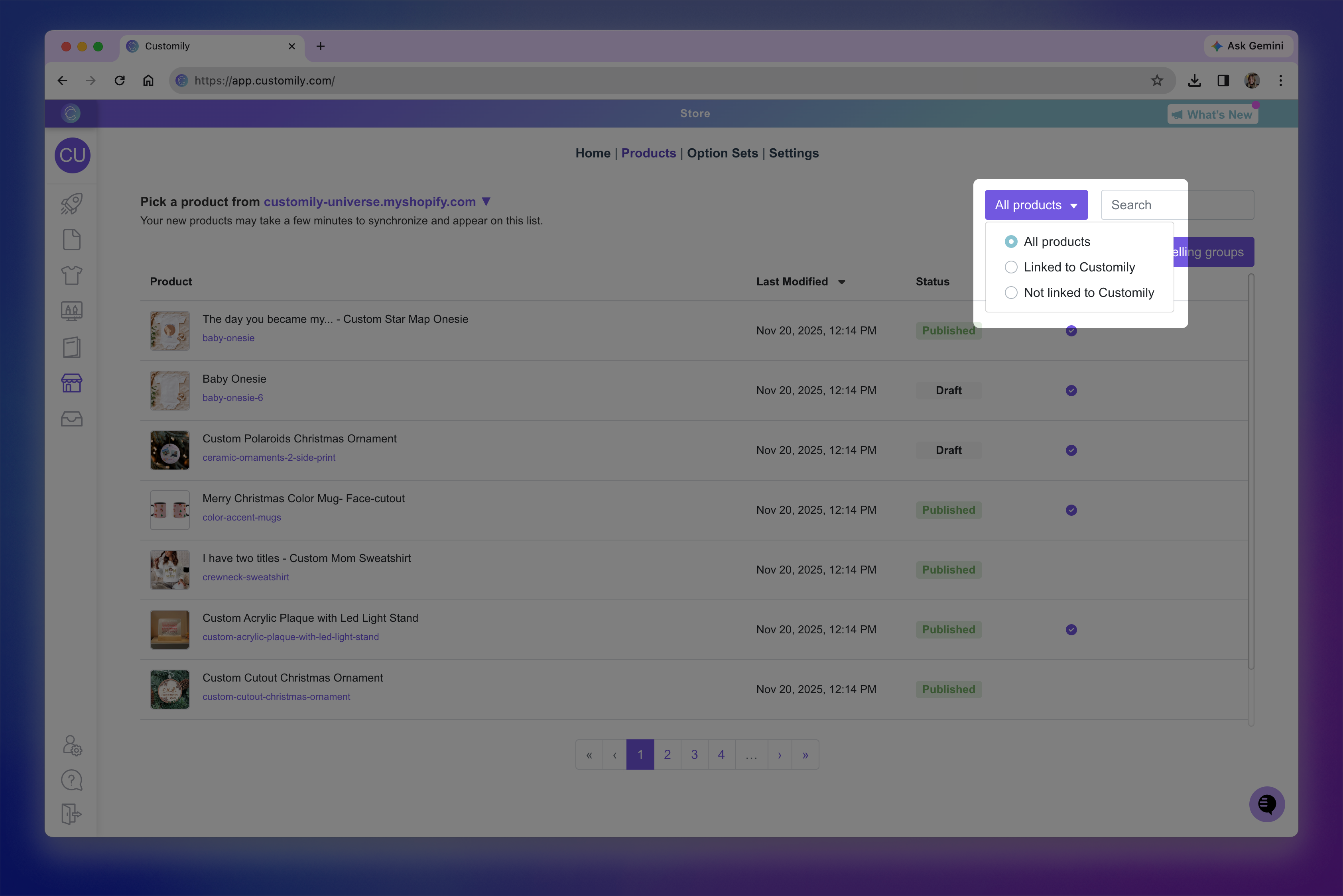
Use the filter menu to display only specific types of products, such as:
all products
products linked to Customily
products not linked to Customily
Understanding the product list
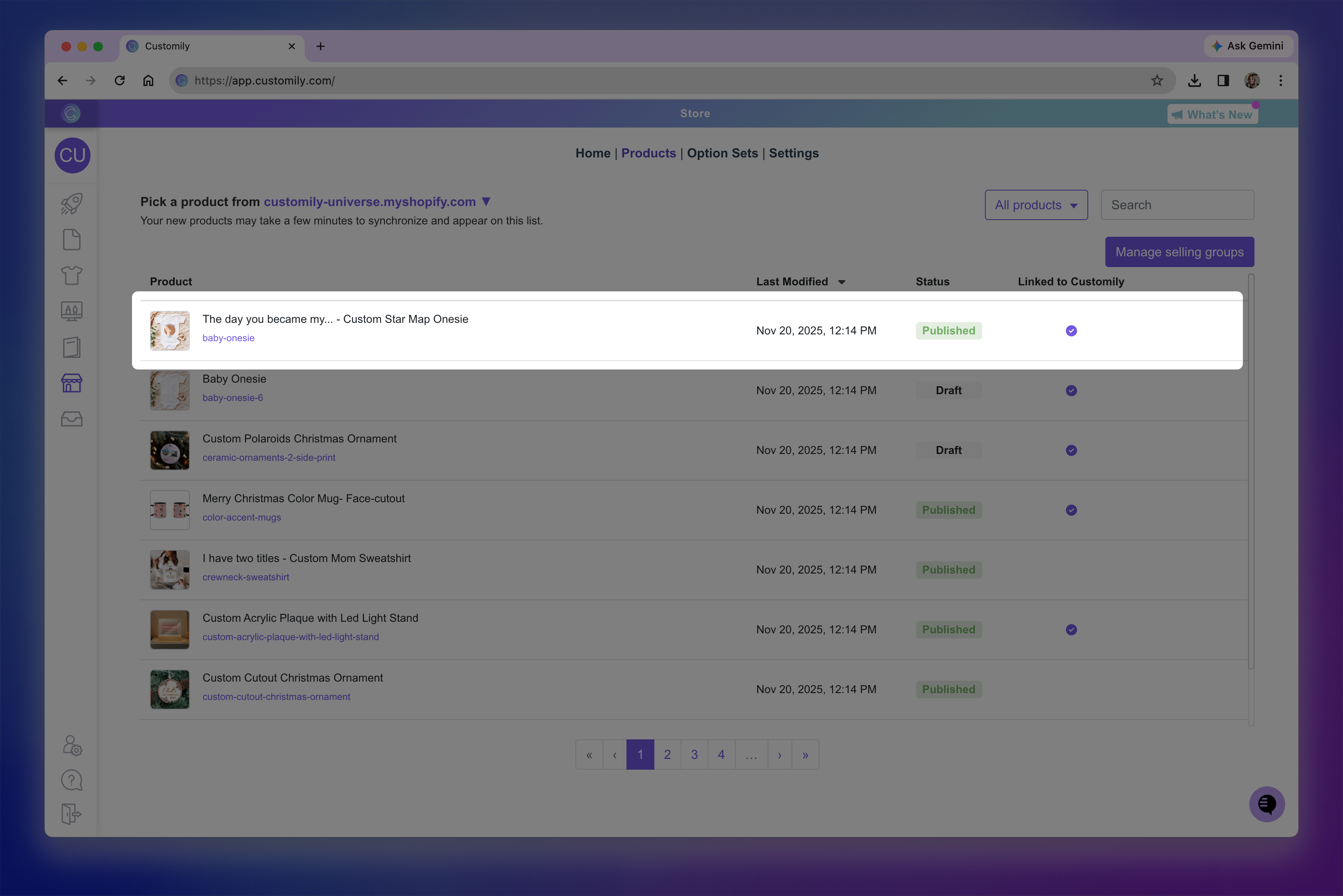
Each product includes useful information to help you understand its current setup.
Depending on your platform, you may see details such as:
product name and image
product status (for example, Draft or Published)
last modified date
whether the product is linked to Customily
This makes it easy to quickly identify which products are already configured for personalization.
What you can do from here
Once you find a product, you can open it to manage its Customily setup.
From there, you can:
connect a product to a template and Option Set
edit an existing personalization setup
update product-specific storefront settings
The exact options available may vary depending on your ecommerce platform.