Where can I find my Printed Simply API Key (Customer Identifier)
Last updated: April 28, 2026
- Login or register an account on Printed Simply here.
-
Go to Portal Settings on the left menu, and click to generate a Customer Identifier.
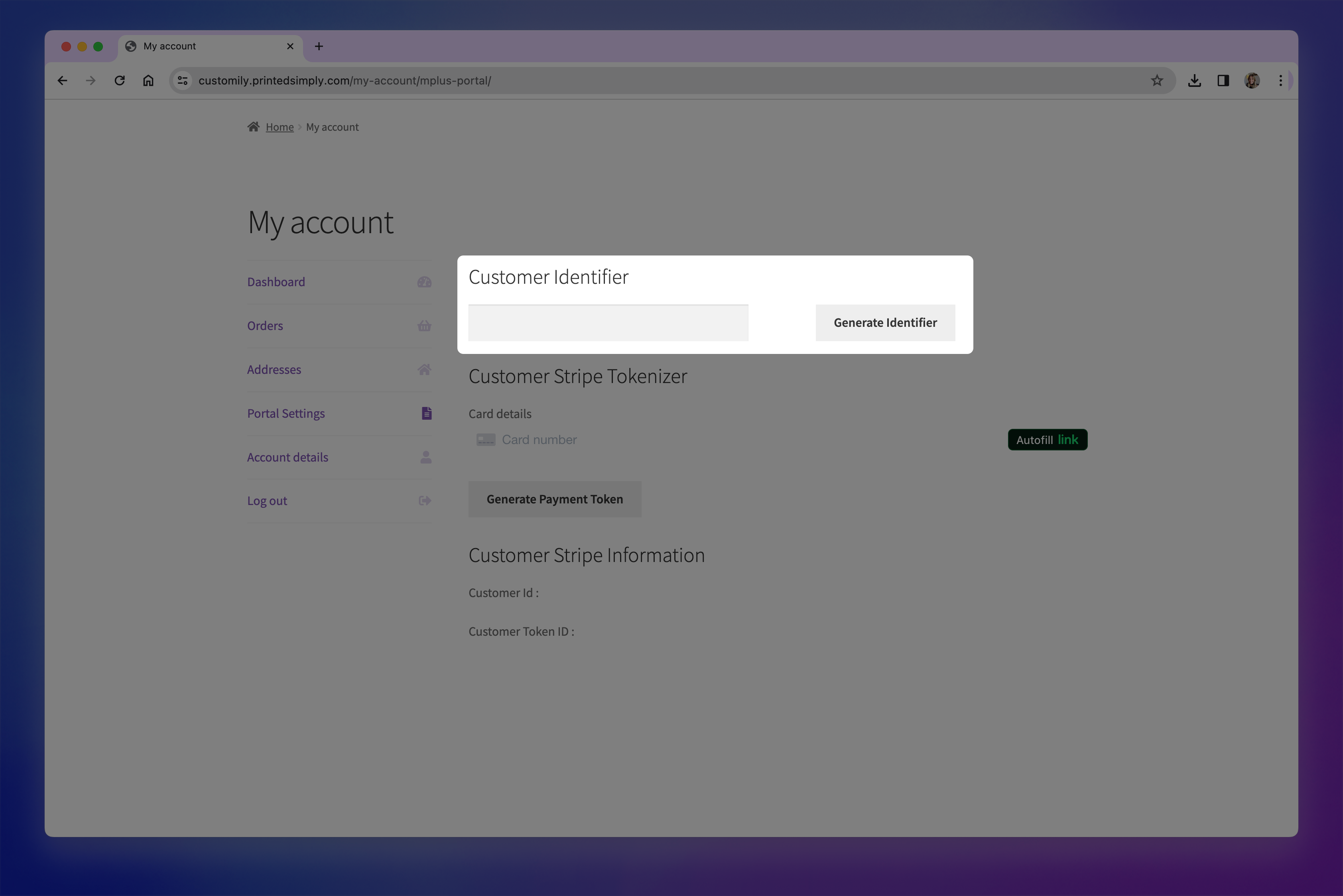
- Copy the value to use it in Customily API Key field