Add zoom on hover to the previews
Last updated: April 28, 2026
You can enable or disable zoom on hover for all your products on BigCommerce by adding a simple script to your storefront configuration.
To enable zoom on hover on your preview
Go to your Storefront menu on BigCommerce
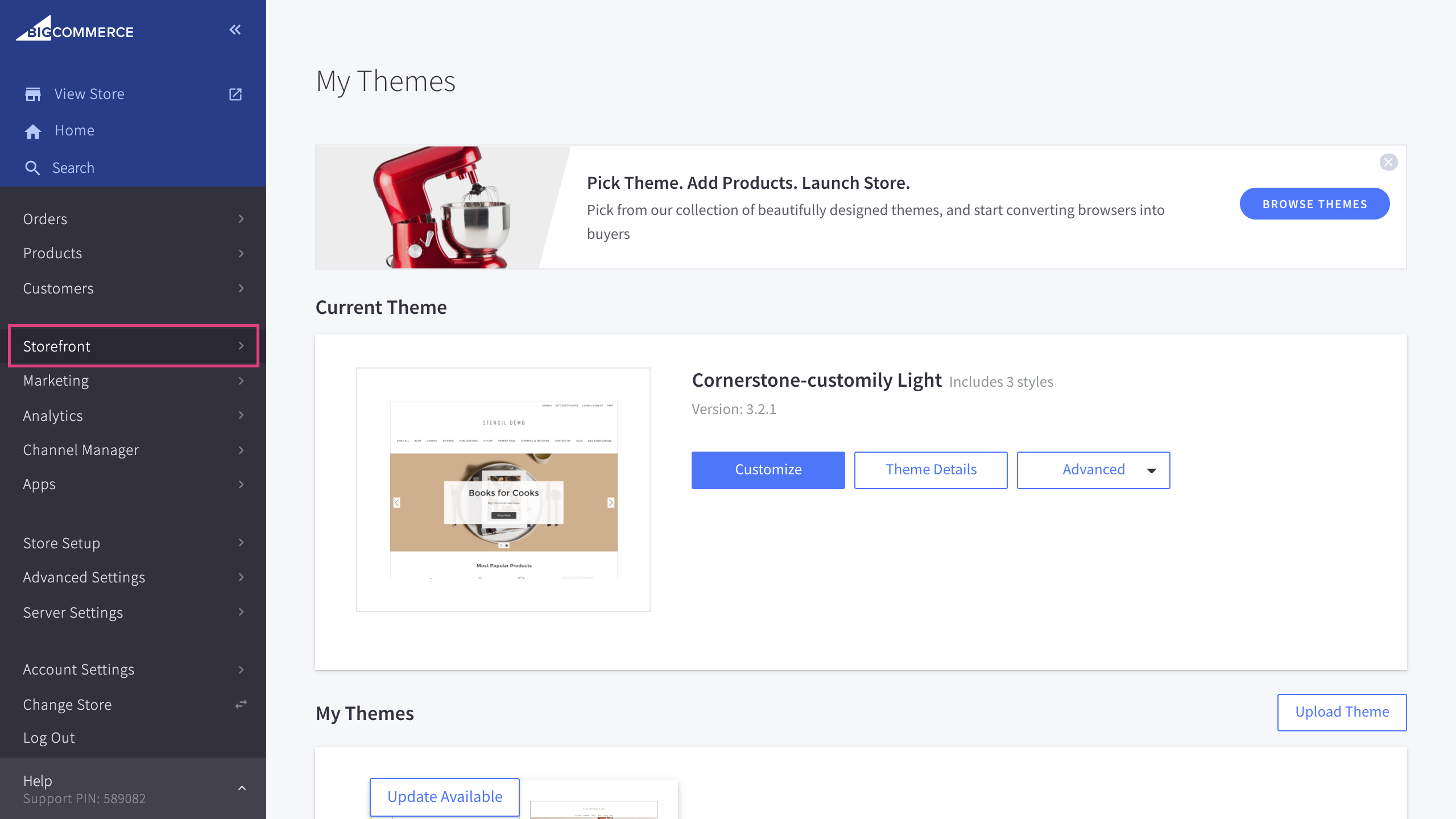
Go to the Script Manager section
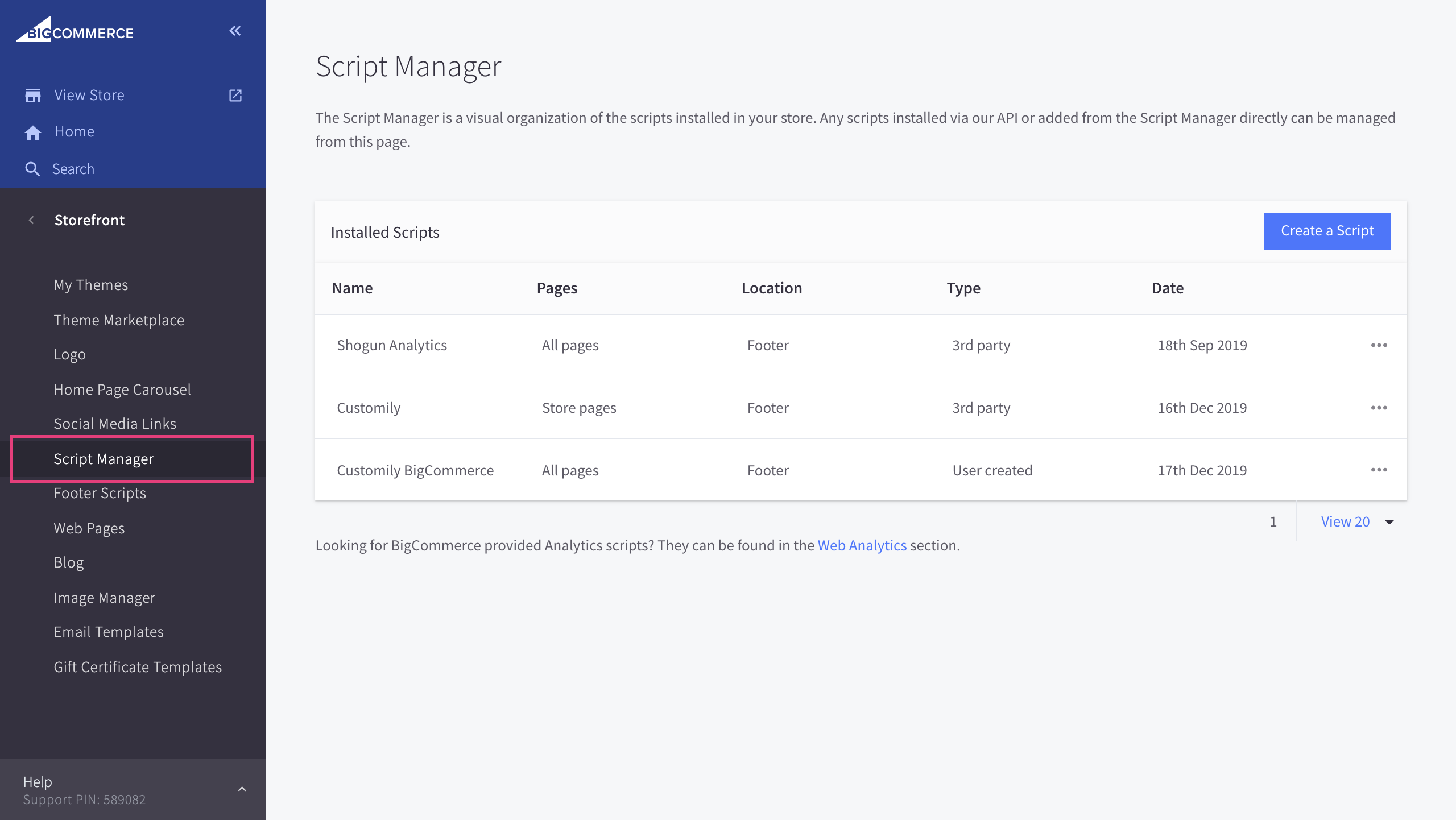
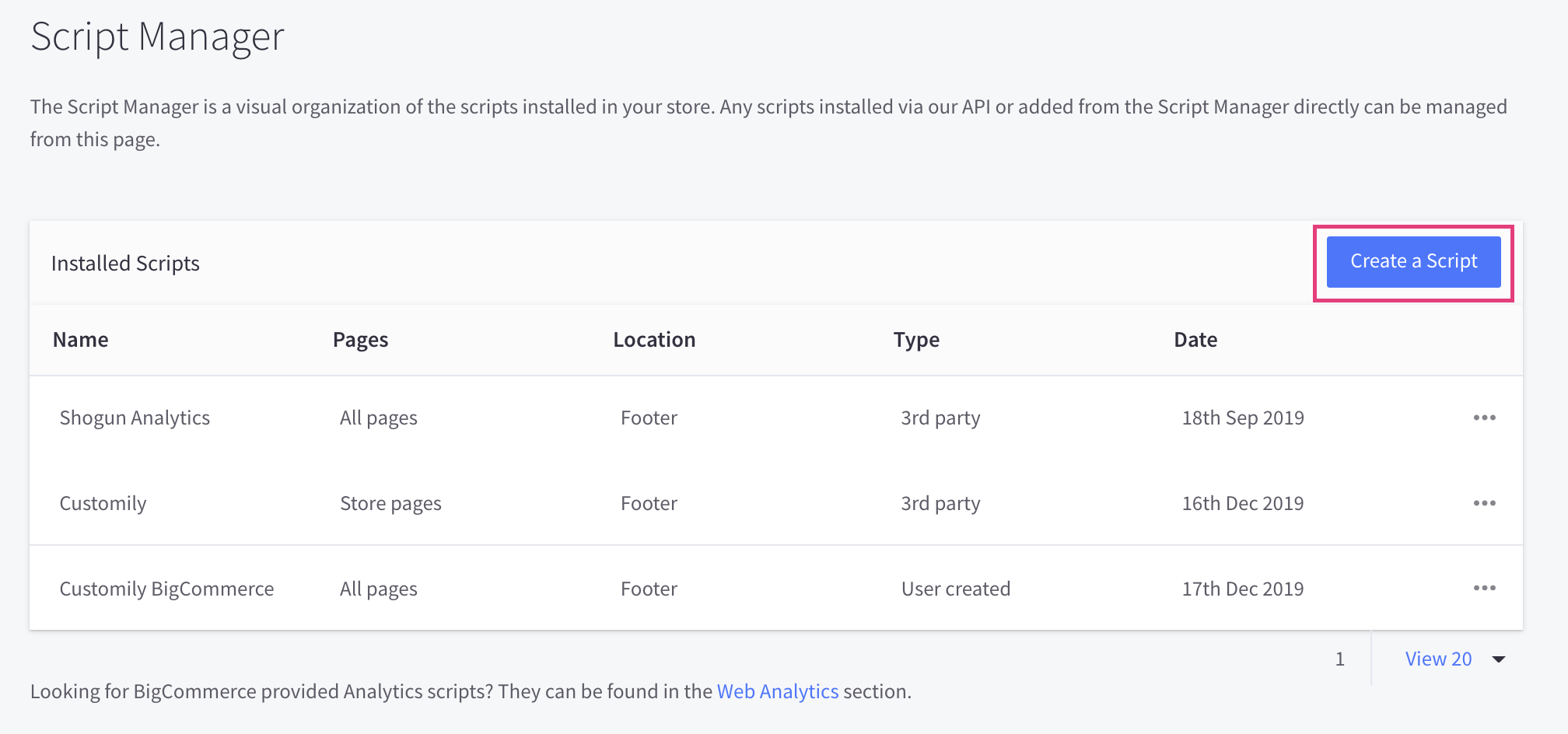
Click create a script
Name your script customily storefront options and copy the following configuration
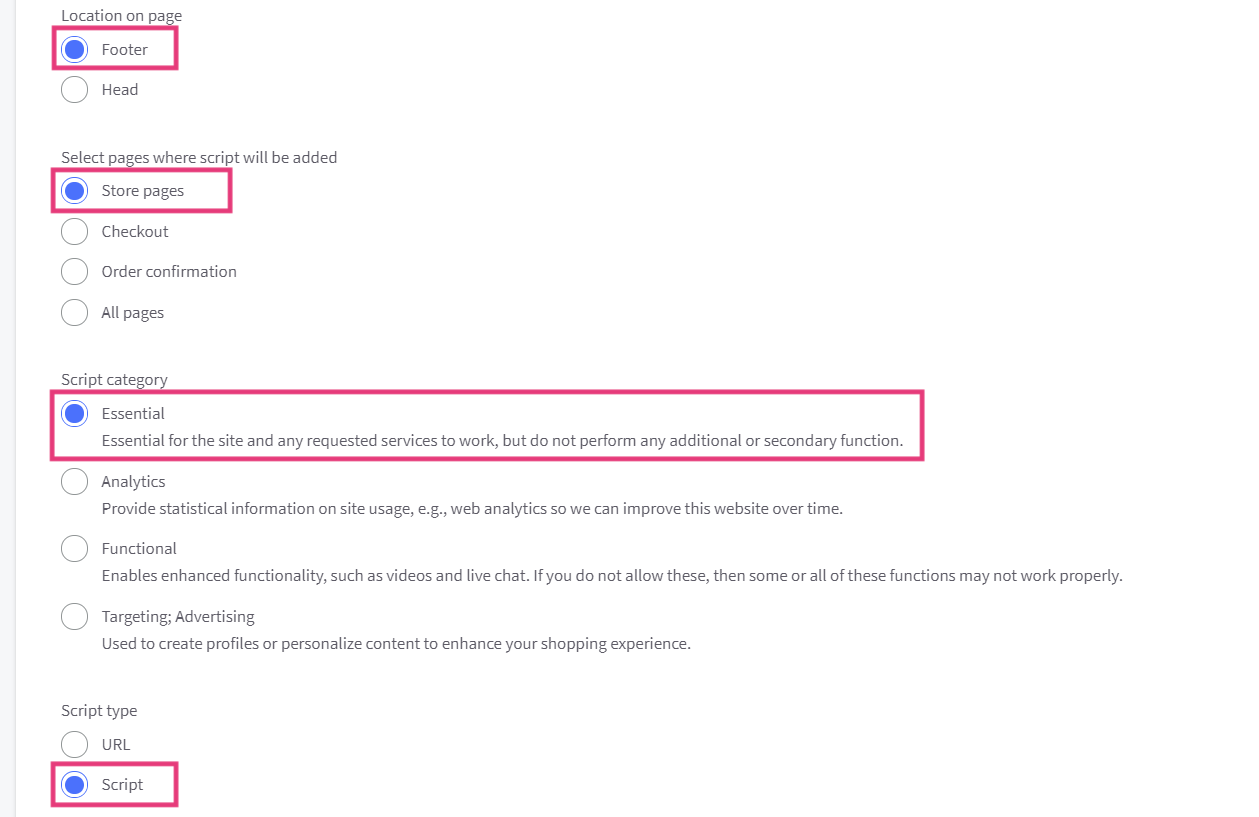
Paste the following code in the script contents and save the script
window.addEventListener('DOMContentLoaded', function () {
    window.customily = {};
    window.customily.hoverZoom = true;
    window.customily.imagesCover = true;
 window.customily.stickyPreview = true;

});
Important:
This script enables and disables several features, such as zoom on hover, uploaded images cover and sticky preview. To enable Zoom on hover, make sure hoverZoom is set to true, like this:
window.customily.hoverZoom = true;
To disable zoom on hover, instead set hoverZoom to false.