Where can I find my Full Color Company API Key
Last updated: October 6, 2026
Log in to your full color company account on their integrations portal or create a new account if you don't have one.
Once logged in, navigate to your account settings and ensure your profile is fully completed.
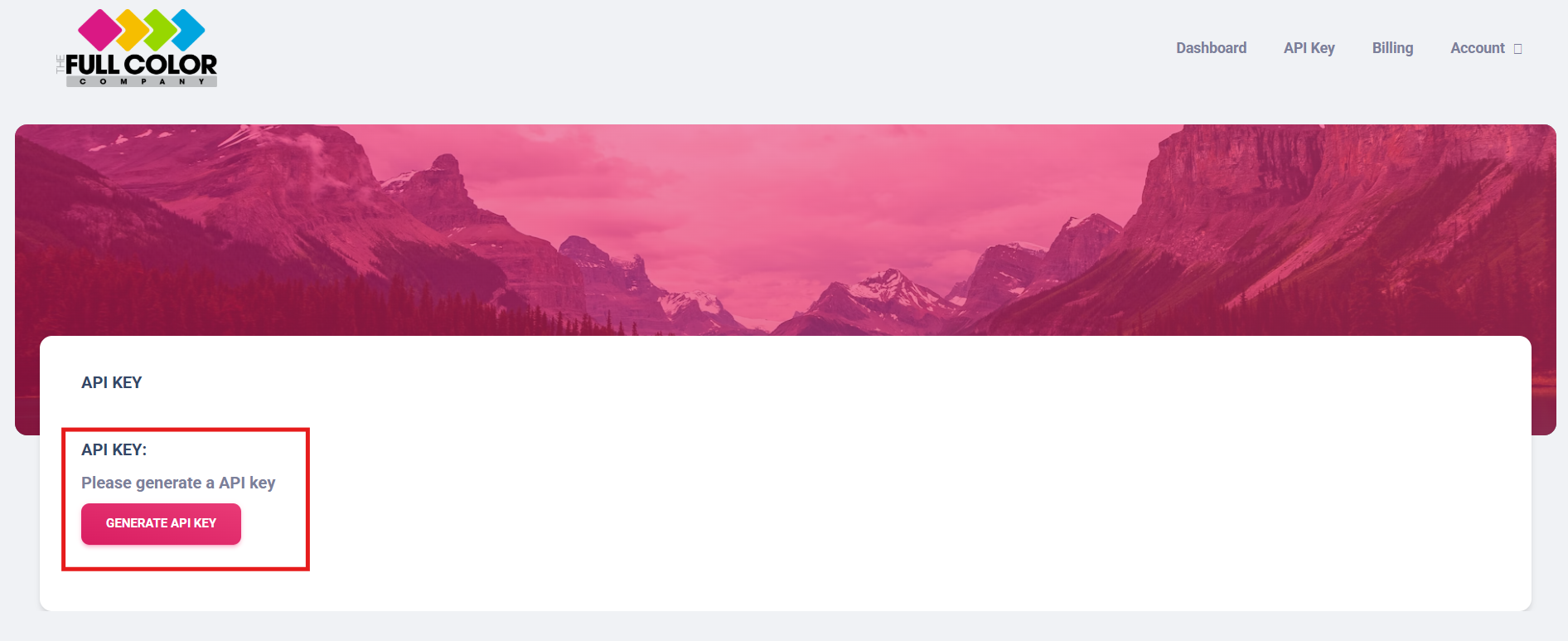
Go to the “API Key” section in the top menu and click the option to generate a new API key.
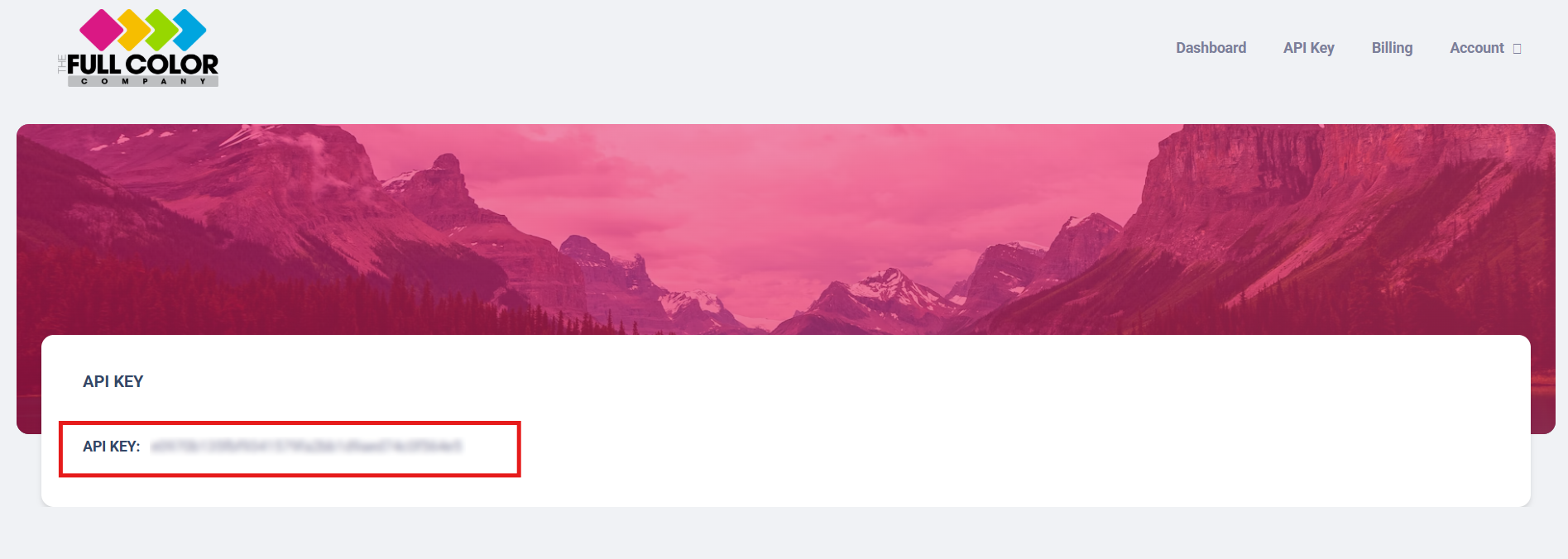
Copy the generated Key to use in Customily

Note
To activate your API key, you will need to have a payment method on file in your Full Color Company account. If you don't have one already, go to the Billing section and add one.