Integrating Digital on Demand for Shopify or WooCommerce
Last updated: April 28, 2026
To use Digital on Demand with Customily for Shopify or WooCommerce, the first thing you need to do is to create an account on Digital on Demand. If you don't have an account with Digital on Demand, you can create one here.
Once you have your Digital on Demand account created, open your Customily app on Shopify and follow these steps.
- Head on to Start or Store on the left menu
- Go to Settings and open the Integrations tab.
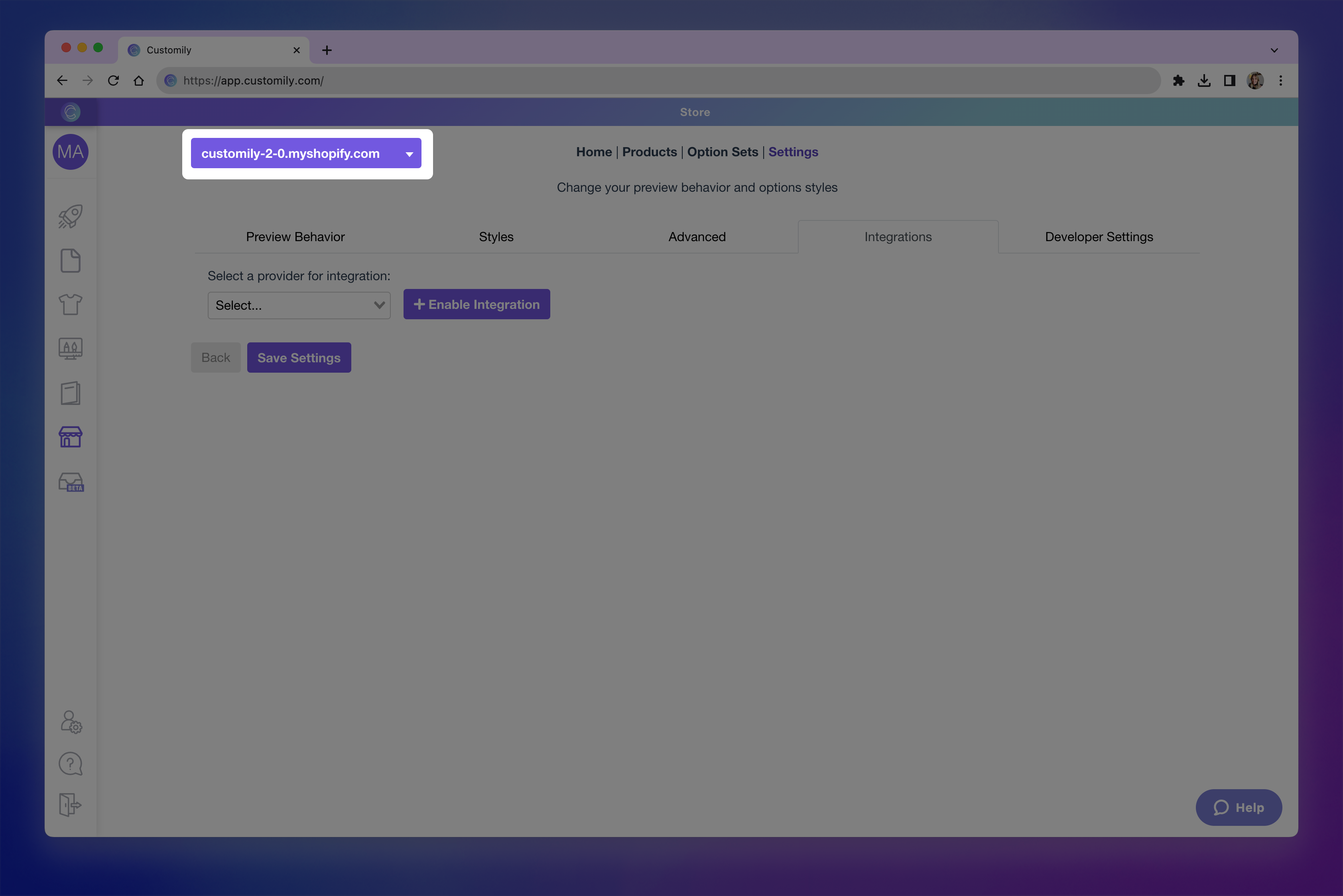
- If you have more than one store on your account, make sure you are changing the setting of the correct store by selecting it from the top left dropdown.
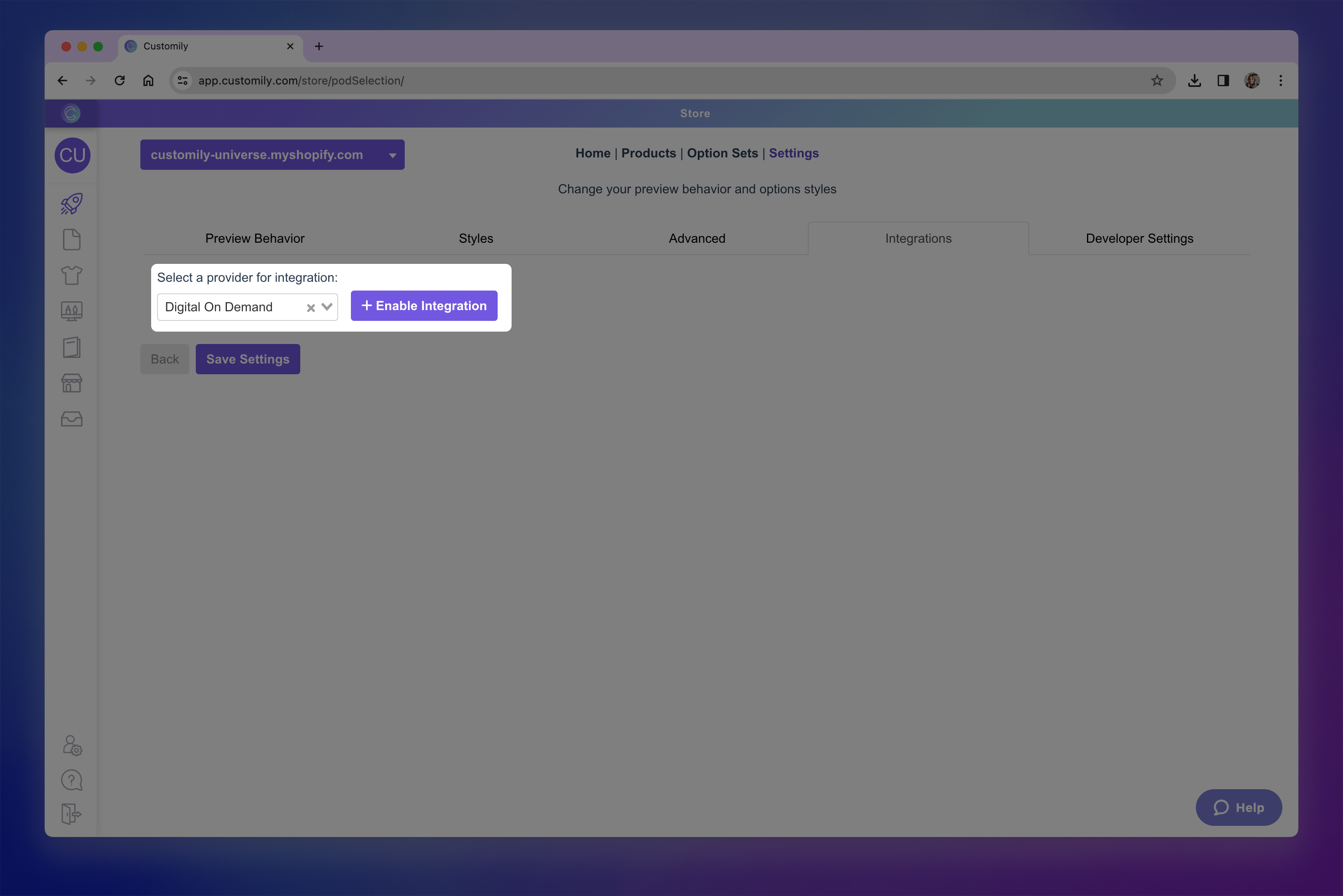
- Select Digital on Demand from the Select a provider for integration dropdown
- Click enable integration
- Paste your Digital on Demand API Key and API Signature (also known as Client ID). Learn where you can find your API Key and Client ID on Digital on Demand here.
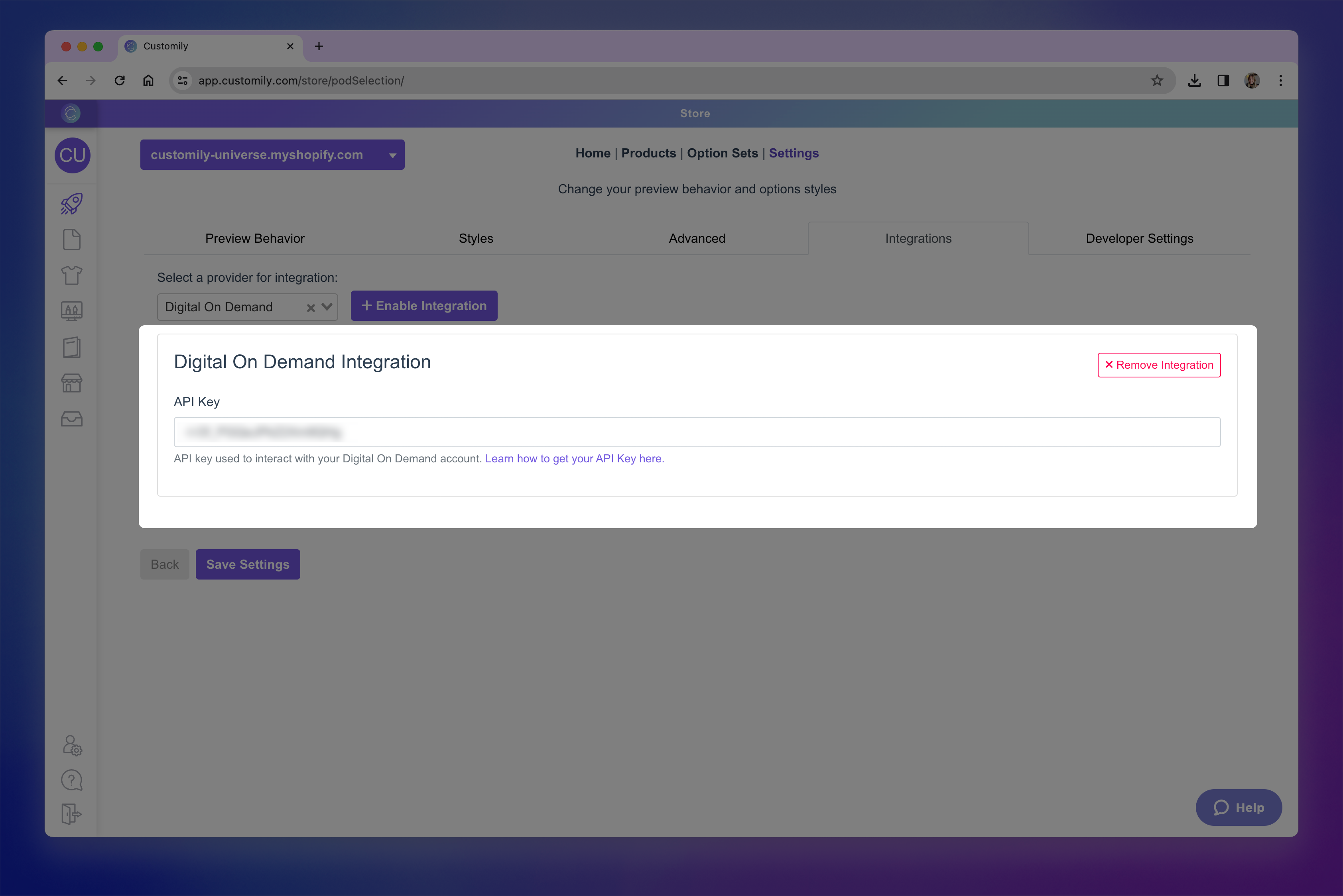
- Click Save Settings at the bottom of the page.