How to suggest a feature
Last updated: May 6, 2026
Have an idea for a feature you'd love to see in Customily?
You can now submit feature requests, vote on existing ideas, and follow their progress directly from our Feature Request Portal.
How to submit a feature request
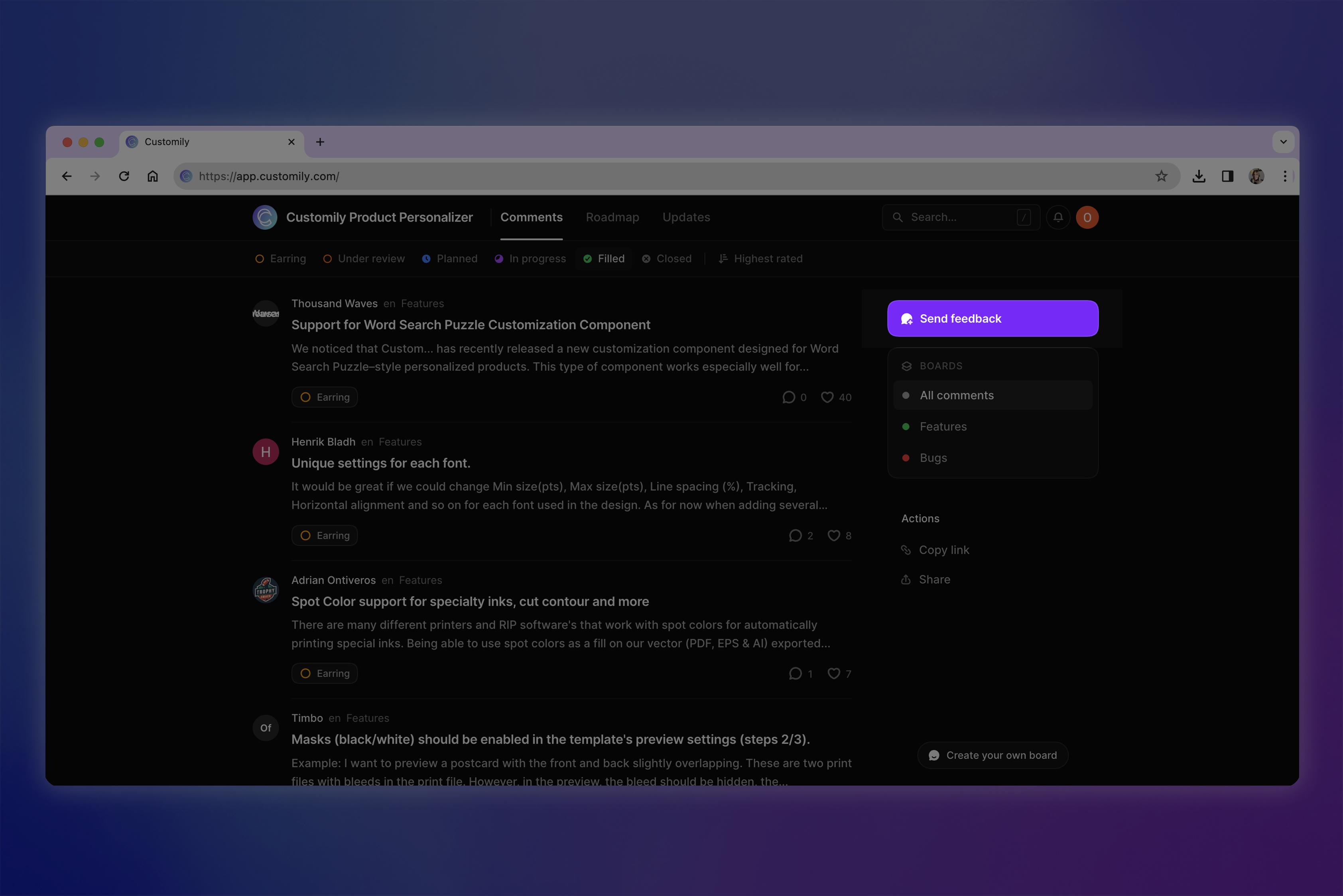
Open the Feature Request Portal using the link below.
Click the Send Feedback button.
Create an account or log in.
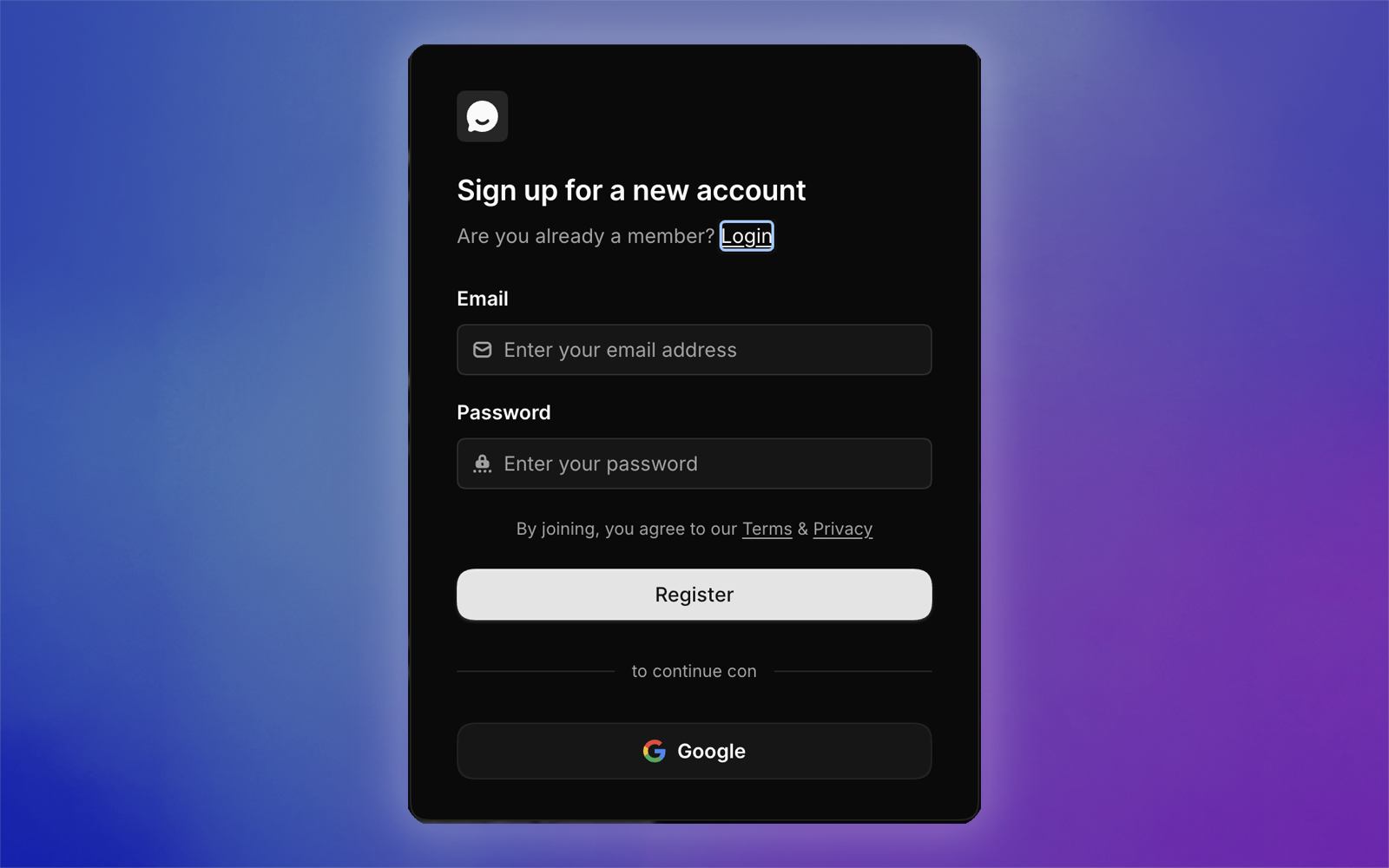
This is a separate account from your Customily account, so we can notify you about updates and progress on your requests.
Enter your feature suggestion in the text field.
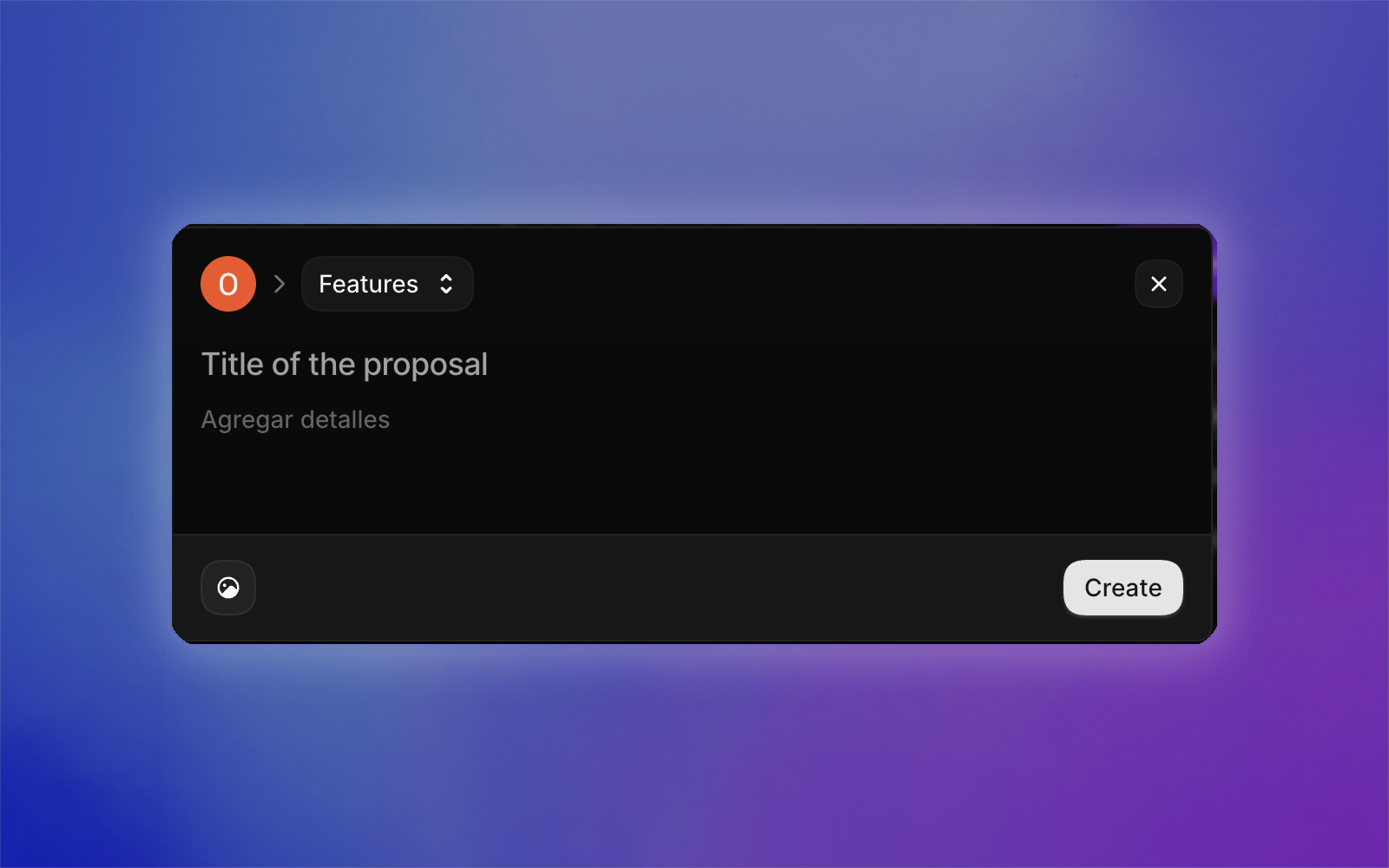
Click Create to submit your request.
Vote and follow other ideas
You can also browse feature requests submitted by other merchants and:
Vote for features you'd like to see
Leave comments and feedback
Follow updates from our team
Filter requests by status, including:
Under Review
Planned
In Progress
Complete
The more votes and feedback a request receives, the easier it is for our team to understand what matters most to merchants.