Find personalization details for your Walmart orders
Last updated: April 28, 2026
To get the personalization details for your Walmart orders, you will need to search for the order in the Customily Options App.
To find an order's personalization information
Select Orders to search an order
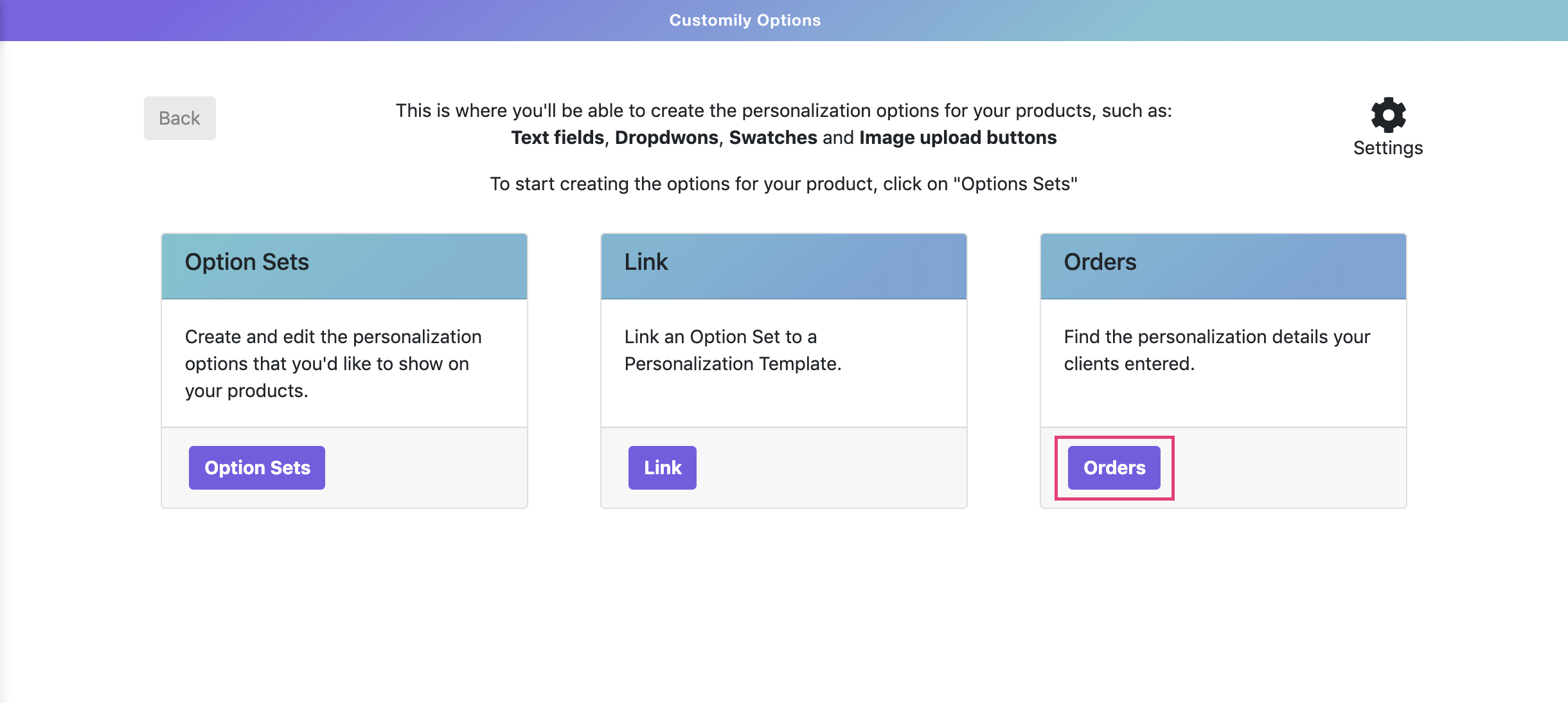
Search for an order by using a Walmart PO Number. If you are not sure how to get the Walmart PO Number, you can learn more about it here.

The personalization details will appear together with the order information.
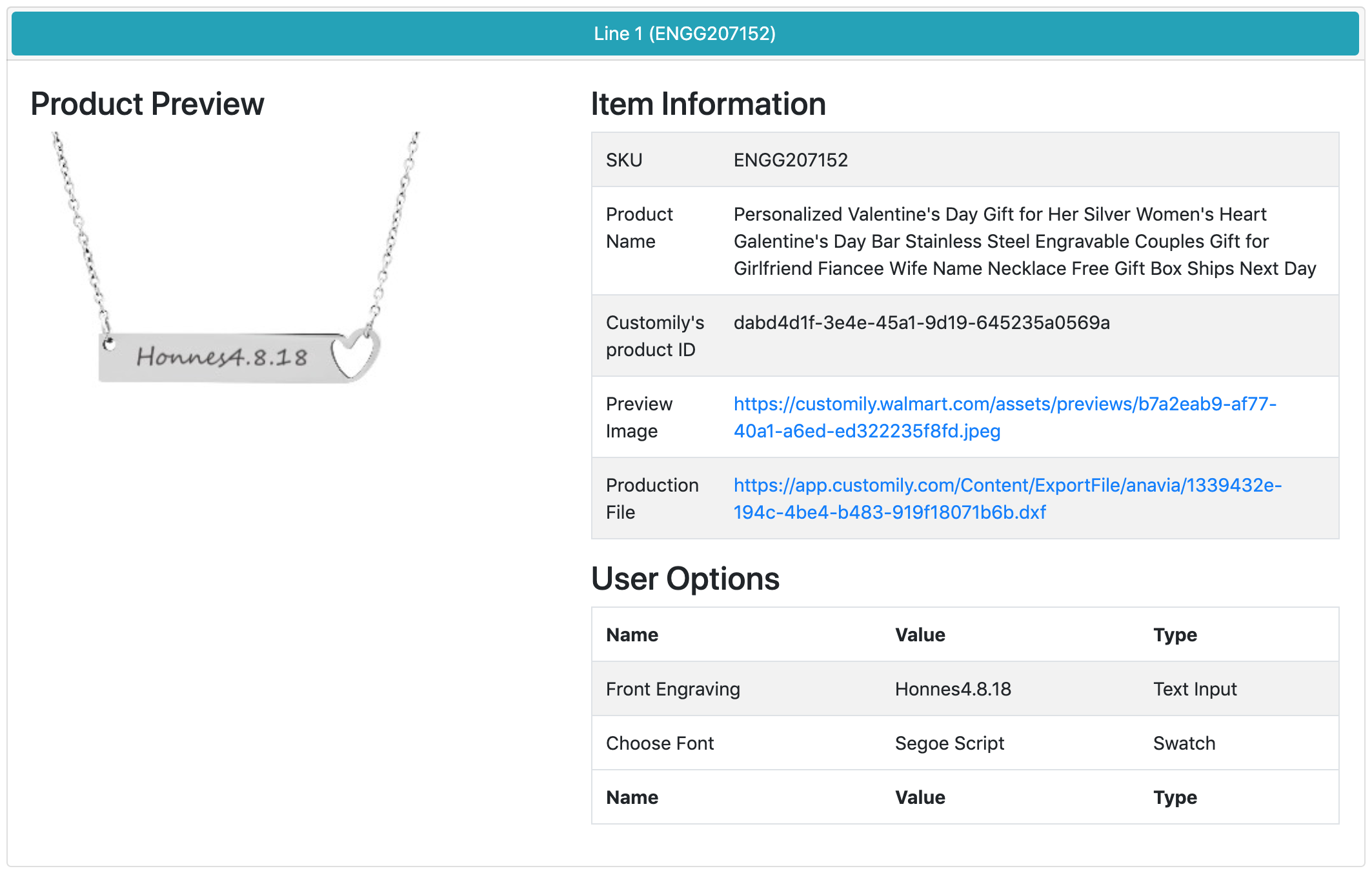
The personalization details include:
Product SKU
Product Name
Customily's Product ID
Preview Image: The preview the customer was seeing when he made the purchase
Production File: Only available when subscribed to Preview + Production Plans
User Options: All the personalization options selected by the customer (this includes, text inputs, dropdowns, swatches, etc.)
Note:
If the order has more than one element, all elements will appear in the details cataloged as Line Items.
Get the personalization details via API
If you have a lot of orders and you prefer to retrieve these details via API, check this article