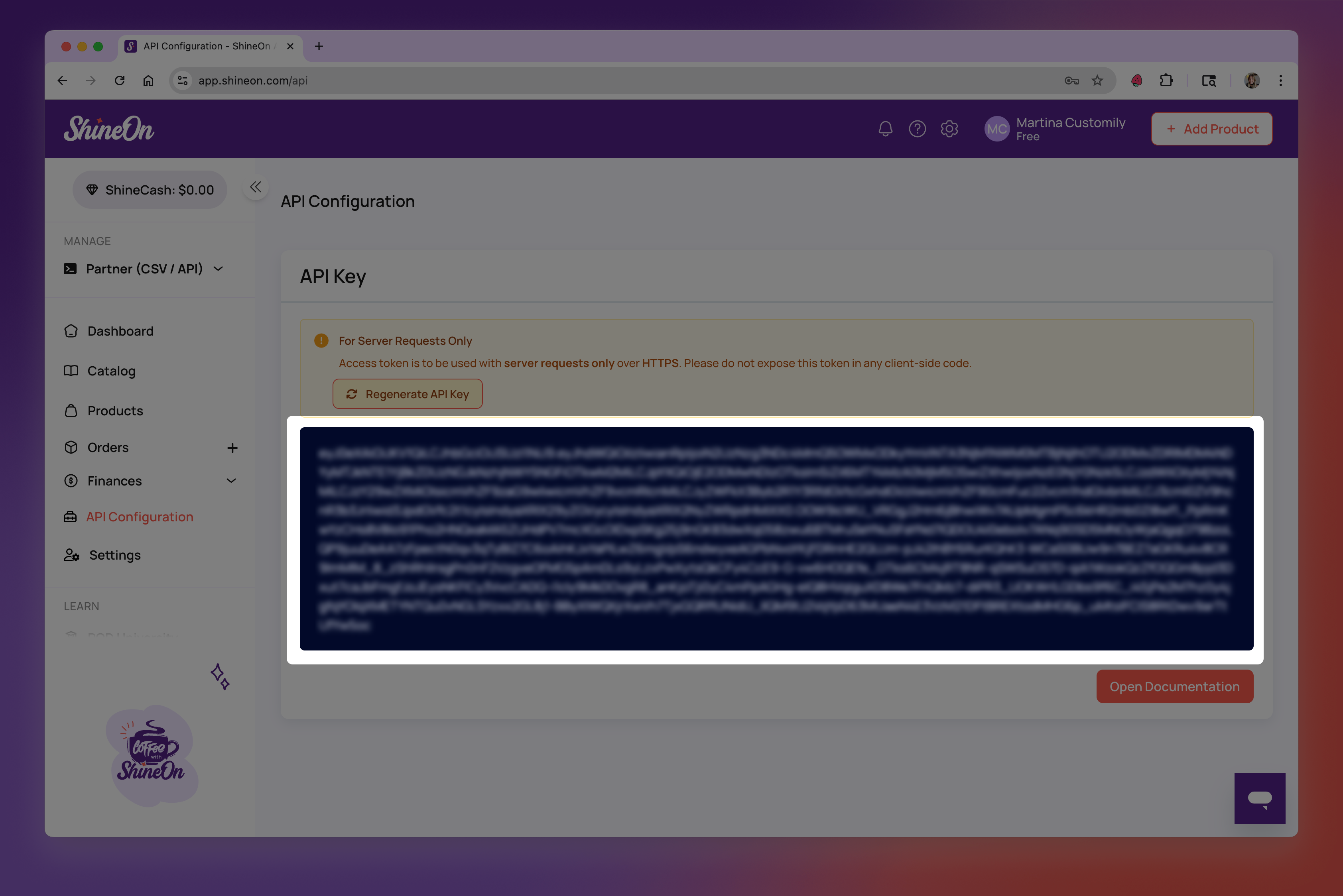
Where can I find my ShineOn API Key
Last updated: April 28, 2026
- Login or register an account on ShineOn here.
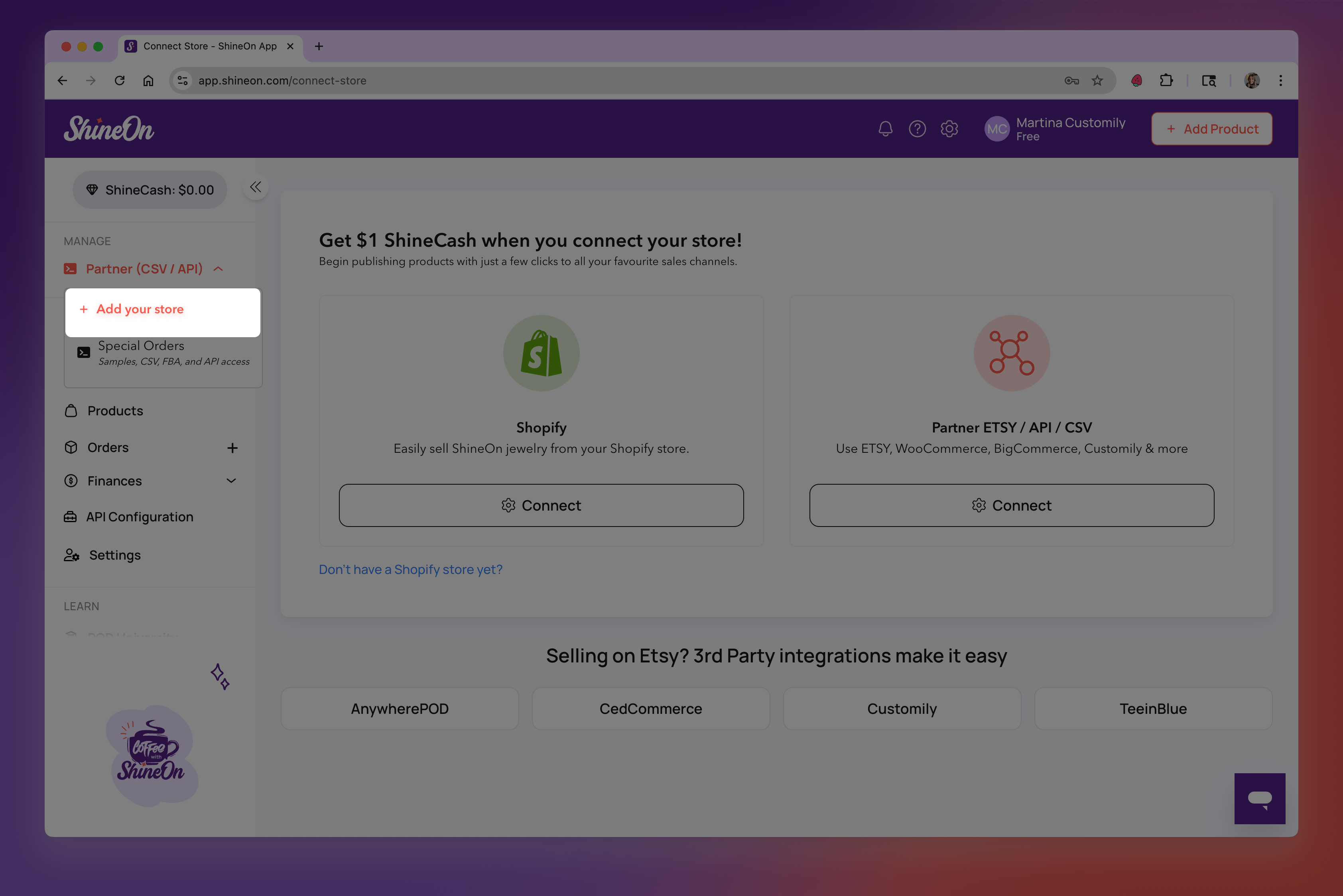
- On the left menu, under Manage, click to +Add your store
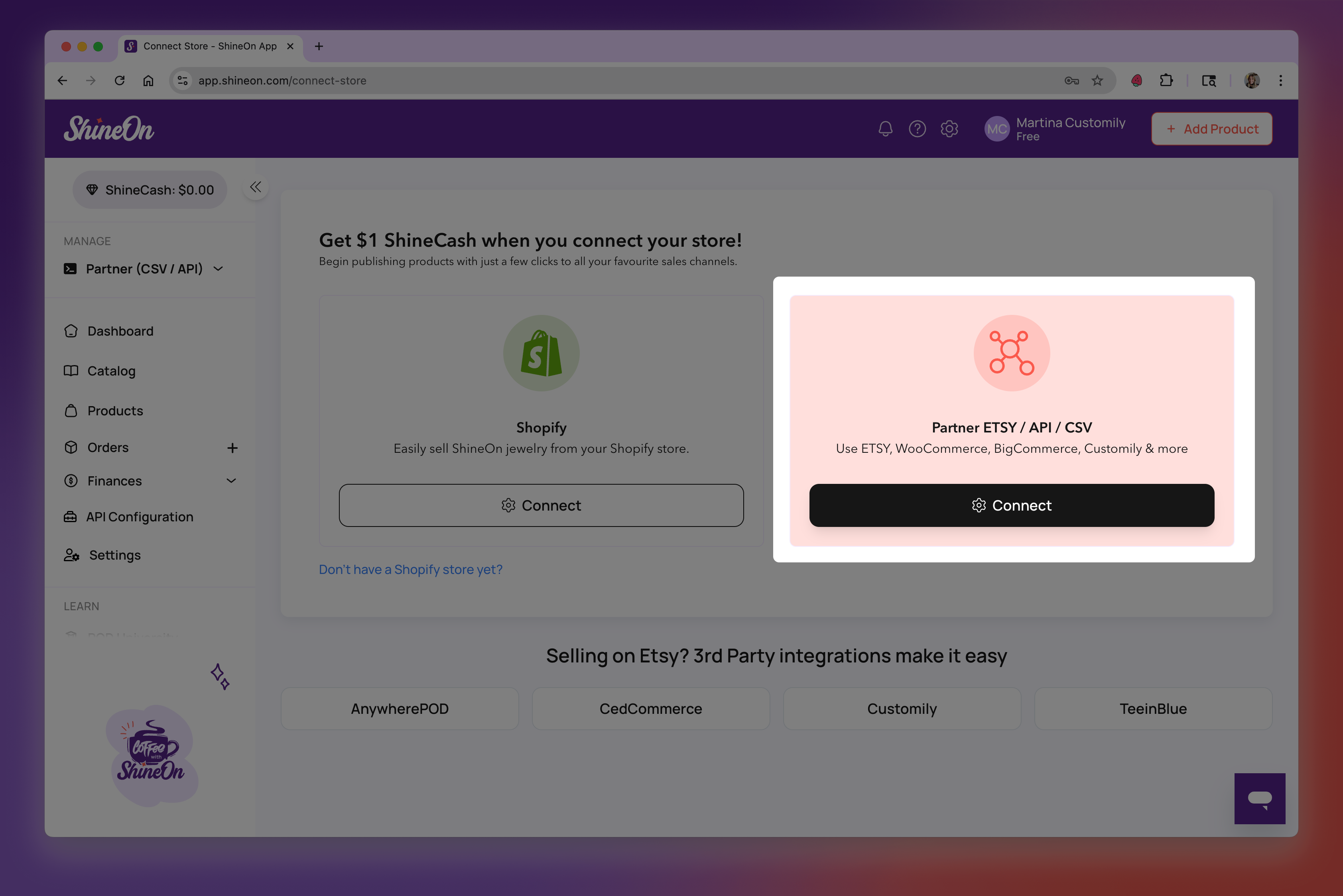
- Select Connect under Partner ETSY / API / CSV
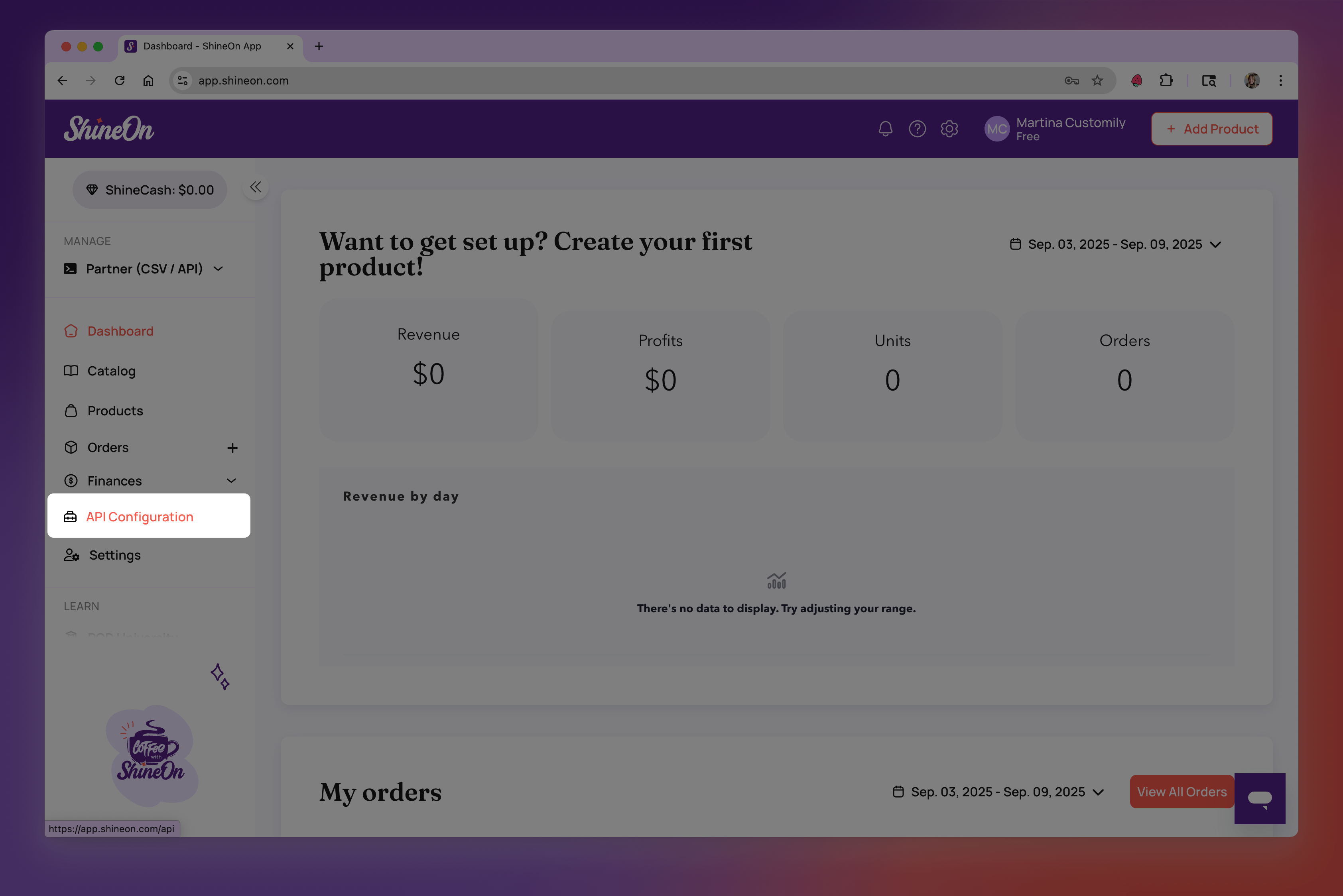
- Once your store is created, go to API Configuration on the left menu
- Generate your API Key and copy the value to use it in Customily API Key field