Swatch styles settings
Last updated: April 28, 2026
Personalize how your swatch buttons will look like on your store front end.
To change your Customily swatch styles
- Open store.
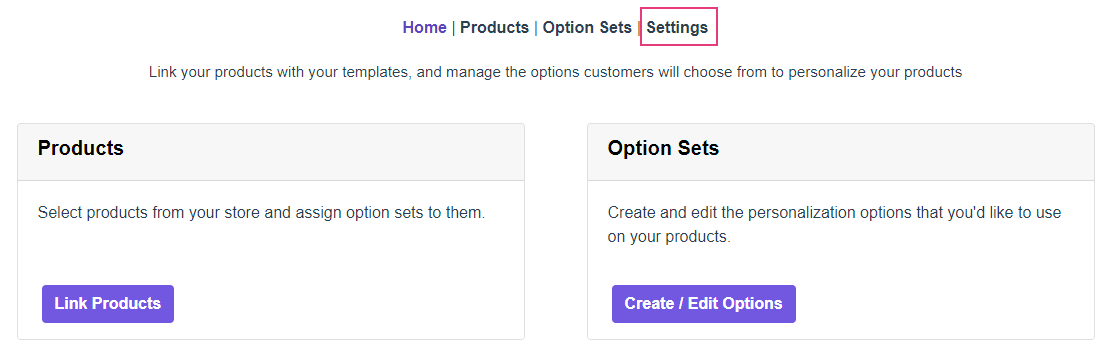
- On the top menu go to Settings.
- Open the Styles tab
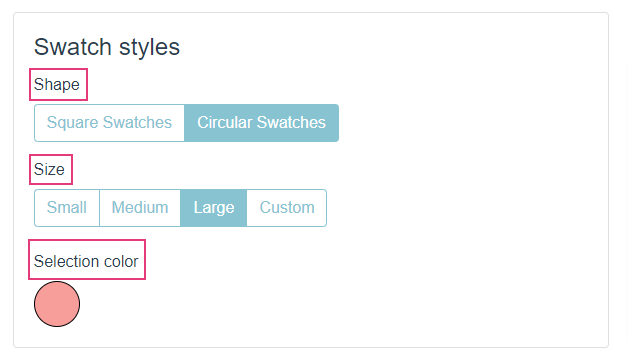
- Under Swatch Styles you can choose to personalize shape, size and selection color.
Style |
What changes |
|---|---|
Shape |
Changes the shape for your swatches buttons. |
Size |
Changes the size of your swatches buttons. Choose 'Custom' to assign size in pixels. |
Selection Color |
Changes the color for the border when the option is selected. You can choose from the color picker or enter any HEX code of your preference. |
Note
If you want to change your swatches even more, you can always change them through CSS.