Connecting your Walmart products with Customily
Last updated: April 28, 2026
Connecting your Walmart products with your Customily preview requires you to follow 2 easy steps.
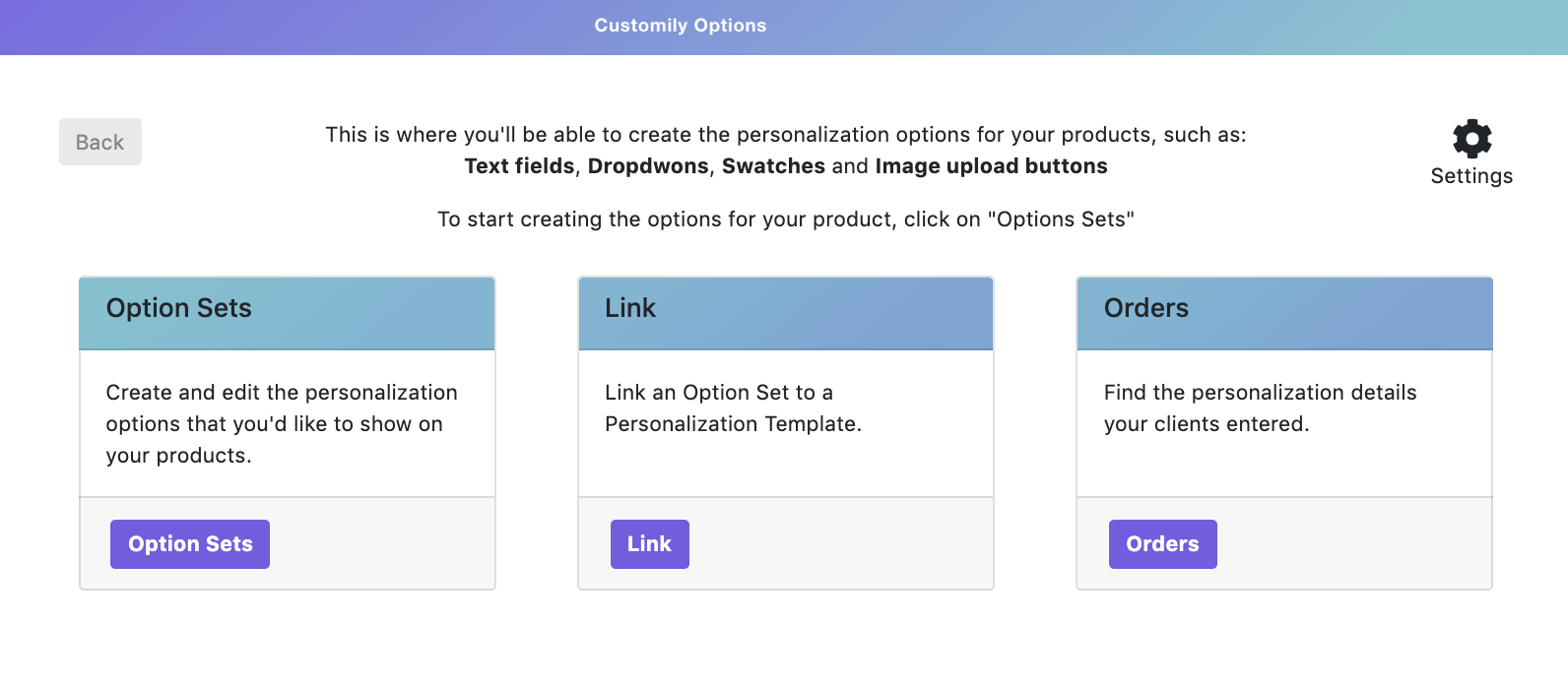
1. Creating option sets
Create groups of options to use on your products.
The different option types you can create are:
The different option types you can create are:
- Text inputs
- Dropdowns
- Swatches
- Image (file) upload
- Checkbox
2. Assigning an option set and personalization template to your Walmart products
Connect your Walmart product listing with the option sets created on the step before, and with the personalization template created on Customily's Admin Panel.
Learn how to link your Walmart product to Customily.
Learn how to link your Walmart product to Customily.