How to add the preview image to the order details
Last updated: April 28, 2026
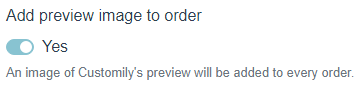
When activated, this option will add the item "preview: link" on the order information. By clicking the link you will be able to see the preview customers were seeing when buying.
When disabled, the customer will see the image in the shopping cart but not on the order.
To add the preview image to the order
- Open store.
- On the top menu go to Settings.

3. Open the Advanced tab, go to Order Information section, and enable (or disable) the Add preview image to order option