Let shoppers share their personalization
Last updated: October 2, 2026
Let shoppers share a product with their personalization already applied. Customily creates a shareable link that opens the product with the shopper’s personalization options and preview restored.
This is useful when shoppers want to show their design to someone else, get feedback before purchasing, or send someone a personalized product they’ve created.
When someone opens the shared link, they can see the saved personalization, make changes if they want, and add the product to their own cart.
Enable personalization sharing
Go to Store Settings > Advanced Settings → Save And Share Personalization, then turn on Allow personalization sharing.
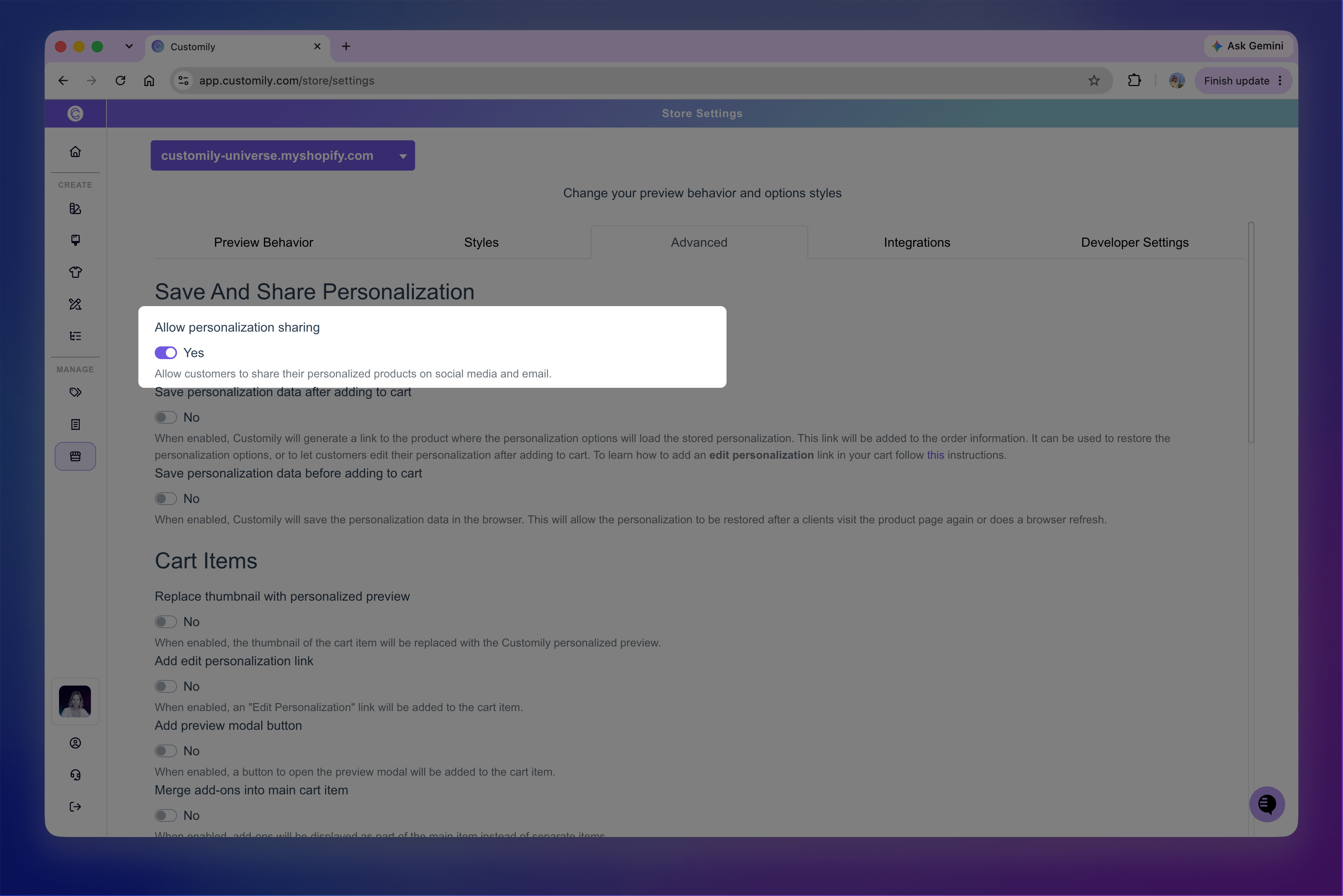
Save your changes for the setting to take effect.
Once enabled, Customily adds a Share personalization button directly below the Add to Cart button.
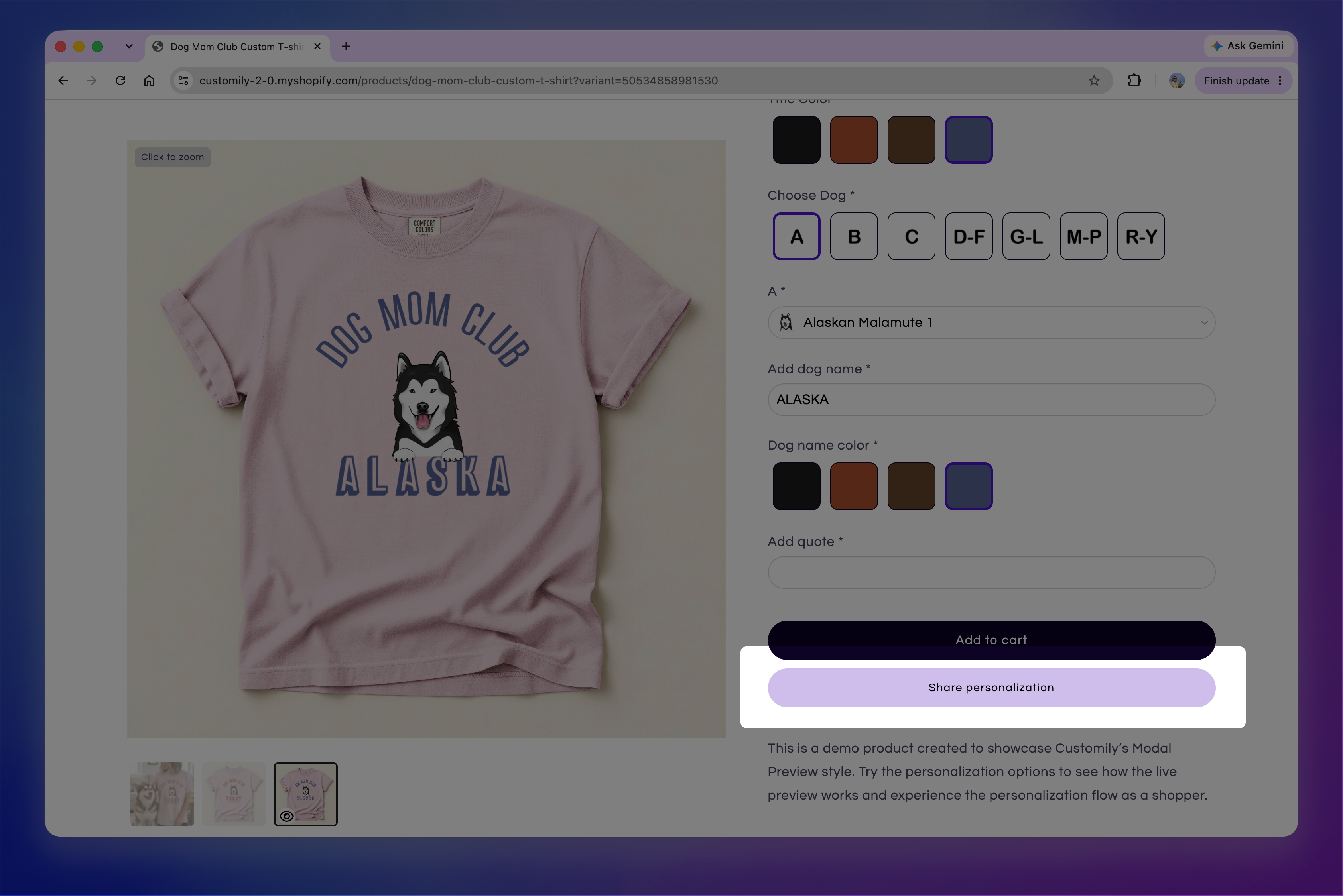
Share a personalization
When a shopper clicks Share personalization, a Share your design dialog opens with options to share their personalization on Pinterest, X, or Facebook, or copy a link to share anywhere else.
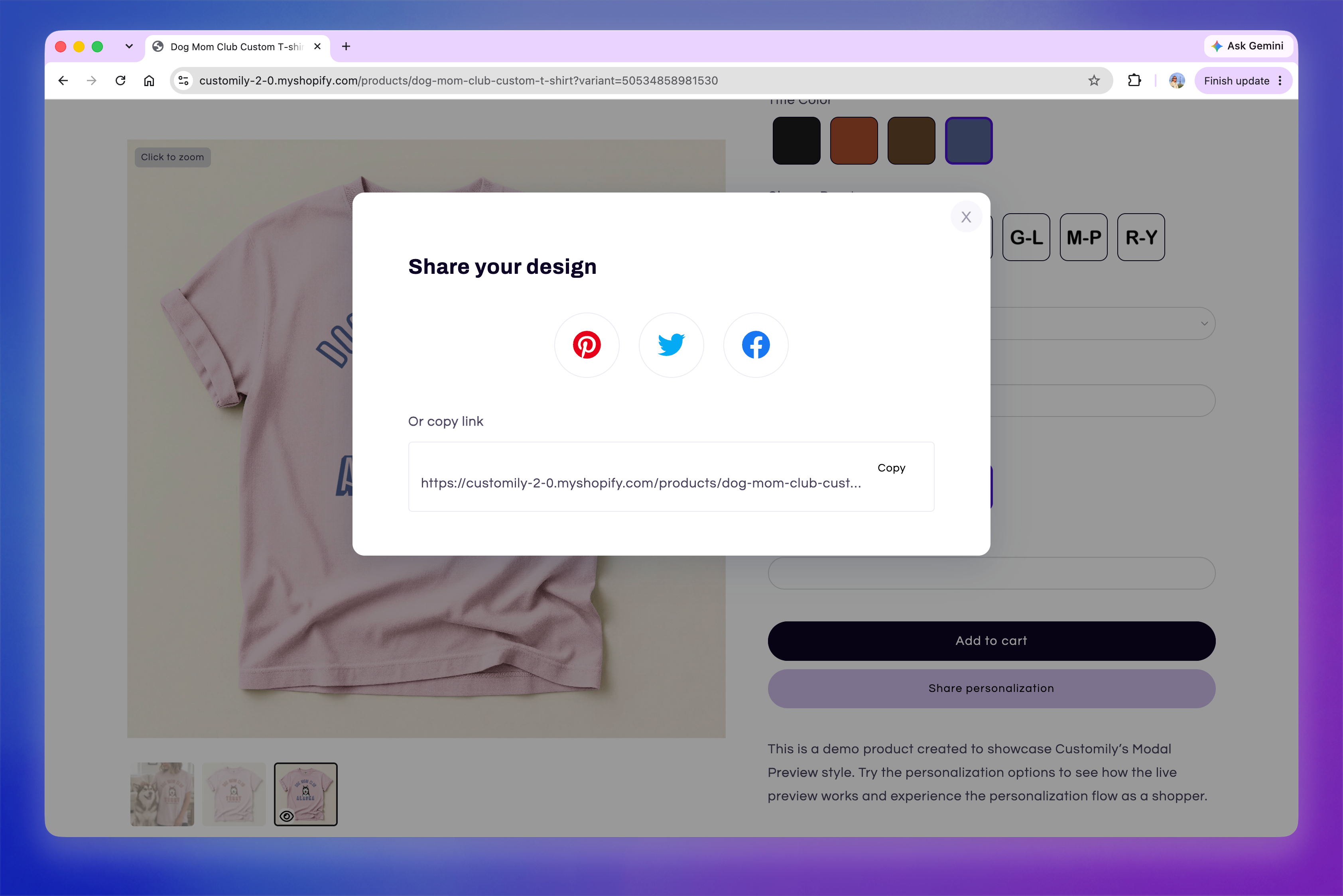
Anyone who opens the shared link is taken to the product with the shopper's personalization options and preview already loaded. They can review the design, make their own changes if they want, and add the product to their cart.
Customize the Share button
You can change the Share button's text and appearance to match your storefront.
Go to Store Settings > Styles → Buttons styles.
Use Share button text to change the label displayed to shoppers.
Turn on Custom styles for share button to customize:
Text
Border
Background
Font Size
Border Width
Border Radius
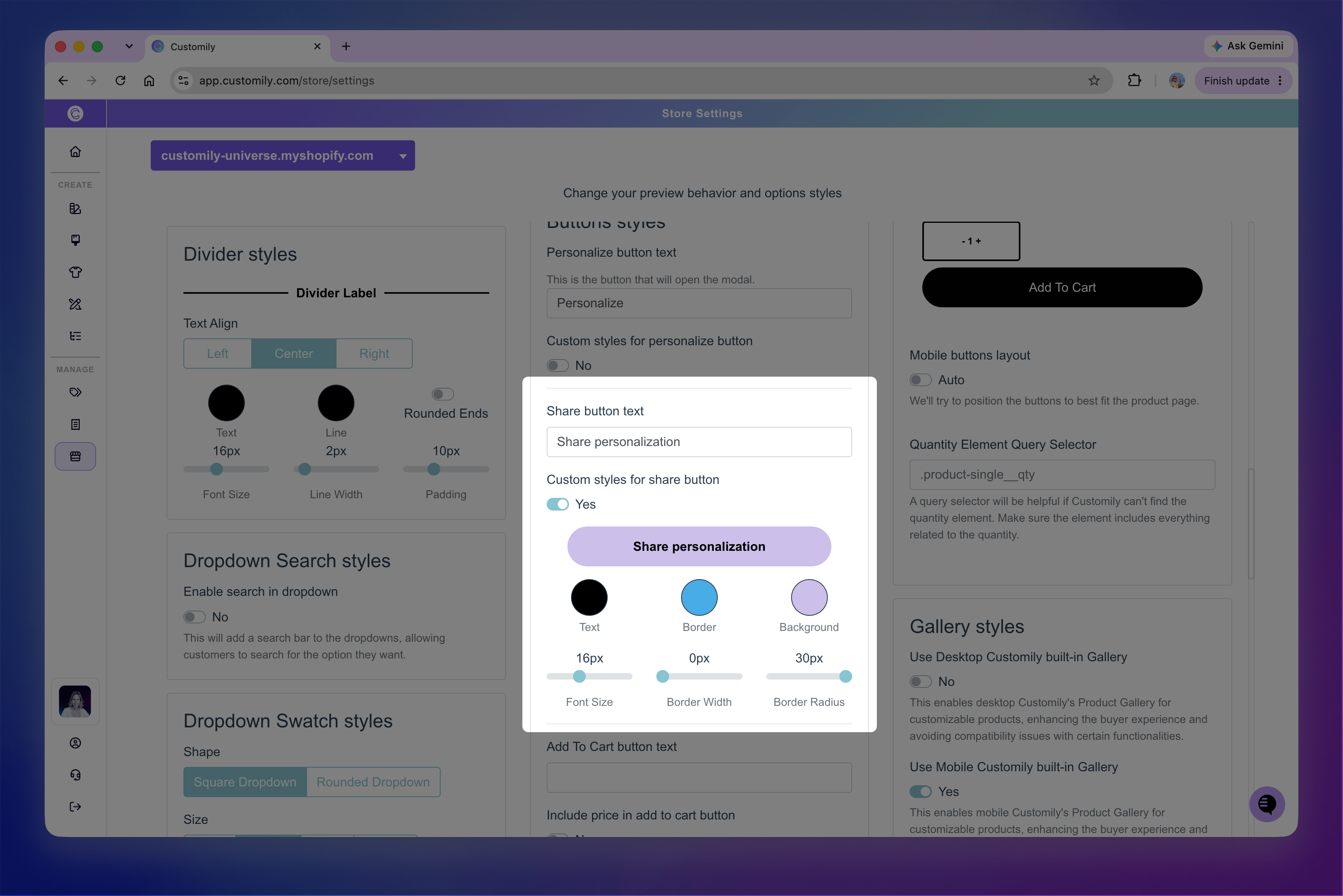
The preview updates as you customize the button so you can see how your changes will look.
Save your changes for the new styles to take effect.