QR Code
Last updated: April 29, 2026
The QR Code element lets shoppers generate a scannable QR code directly in your design. They can paste any link—like a website, playlist, contact info, or personal message—and a QR code will be created automatically.
How It Works
When you add a QR Code to your design:
Shoppers will be able to enter or paste a link into a designated field.
A QR code is instantly generated and displayed on the design.
You control the position and size of the QR Code on the design.
In this article:
To add a QR Code
You can add QR Codes on Designs and on Templates, by clicking the QR Code button.
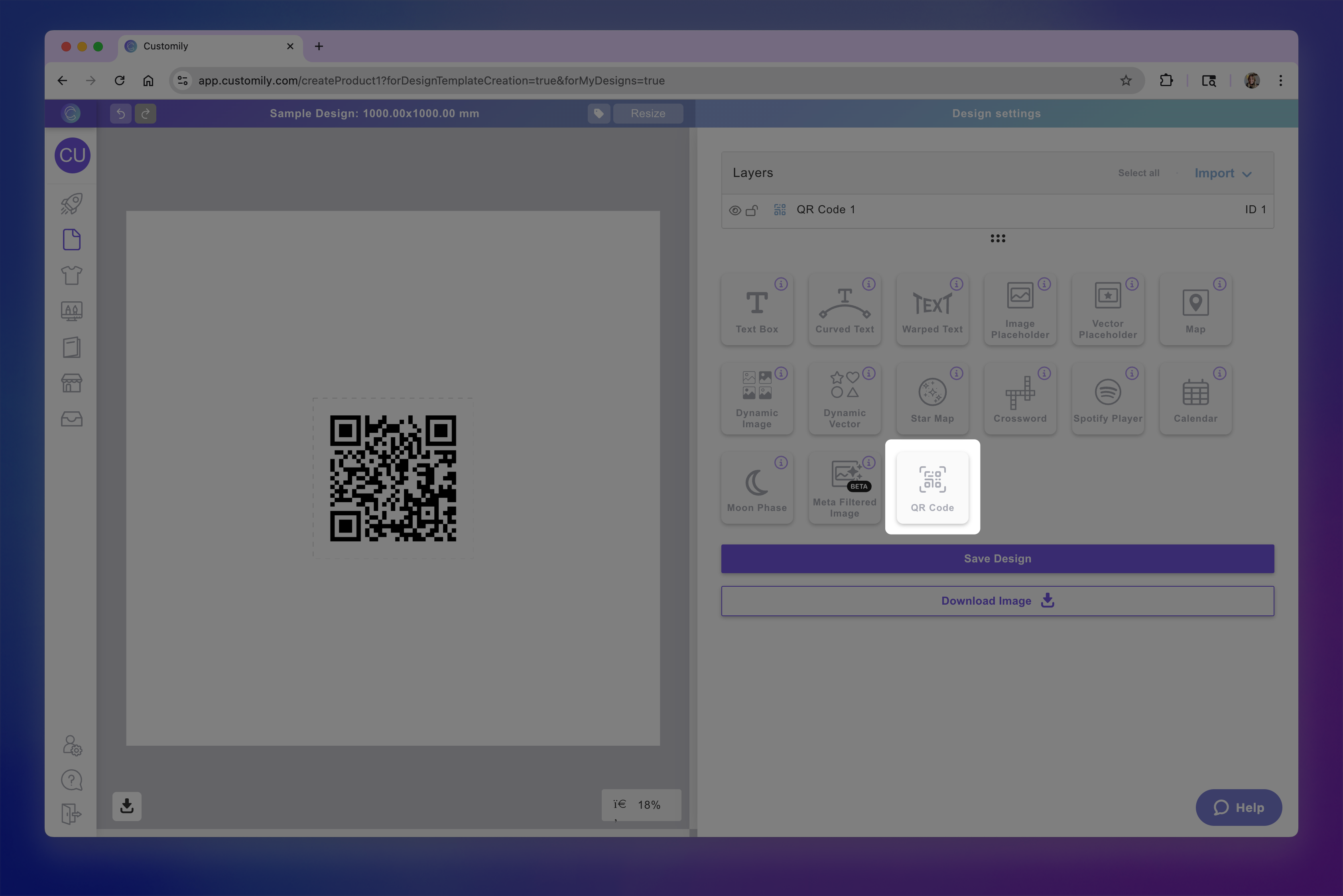
Each QR code you add will have a Name that you can edit, and a Unique Id for you to easily identify it.
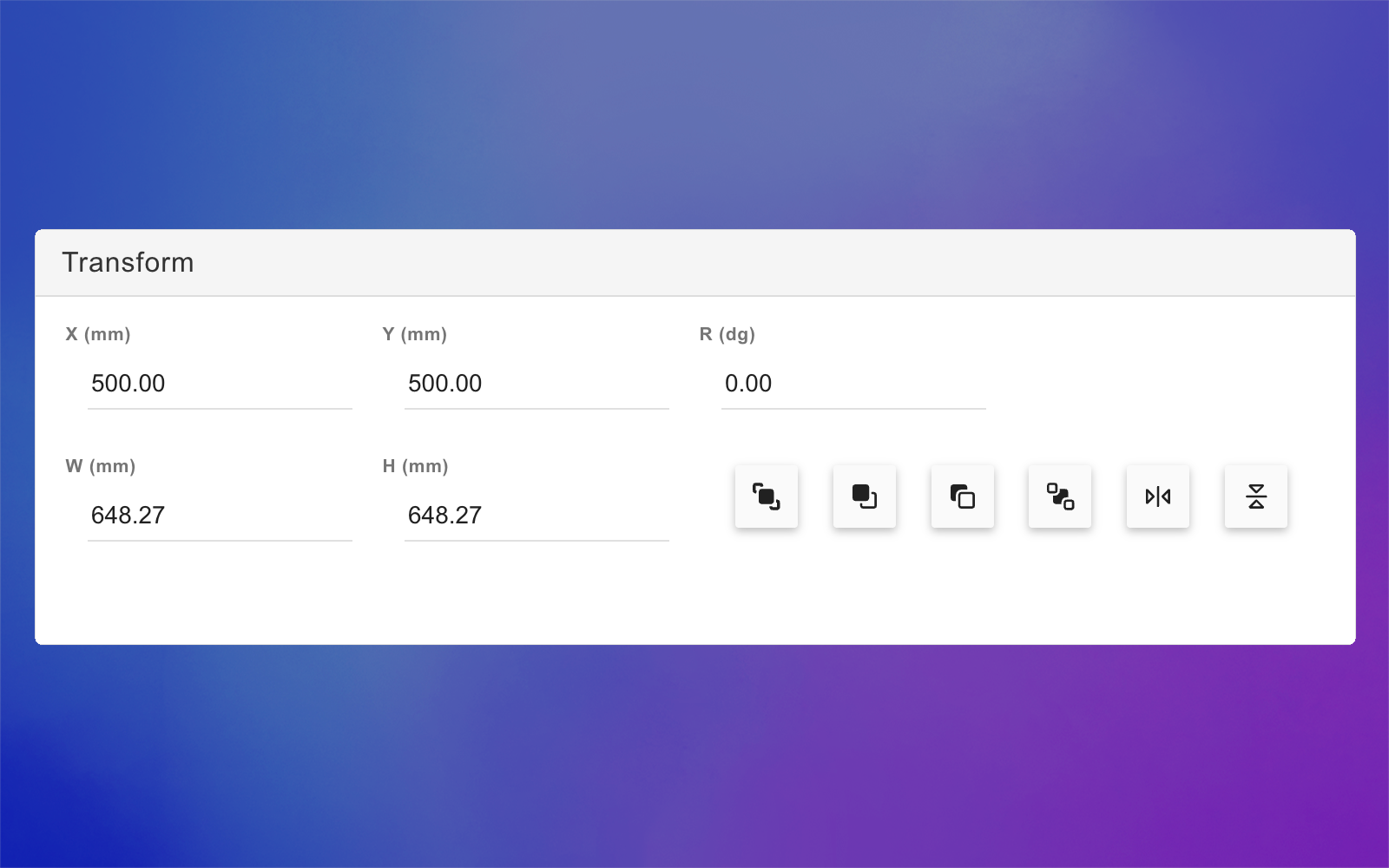
Transform the QR Code
Directly on the canvas or by expanding the Transform toolbox, you can transform the QR code:
Test how the shopper-generated QR Code will look
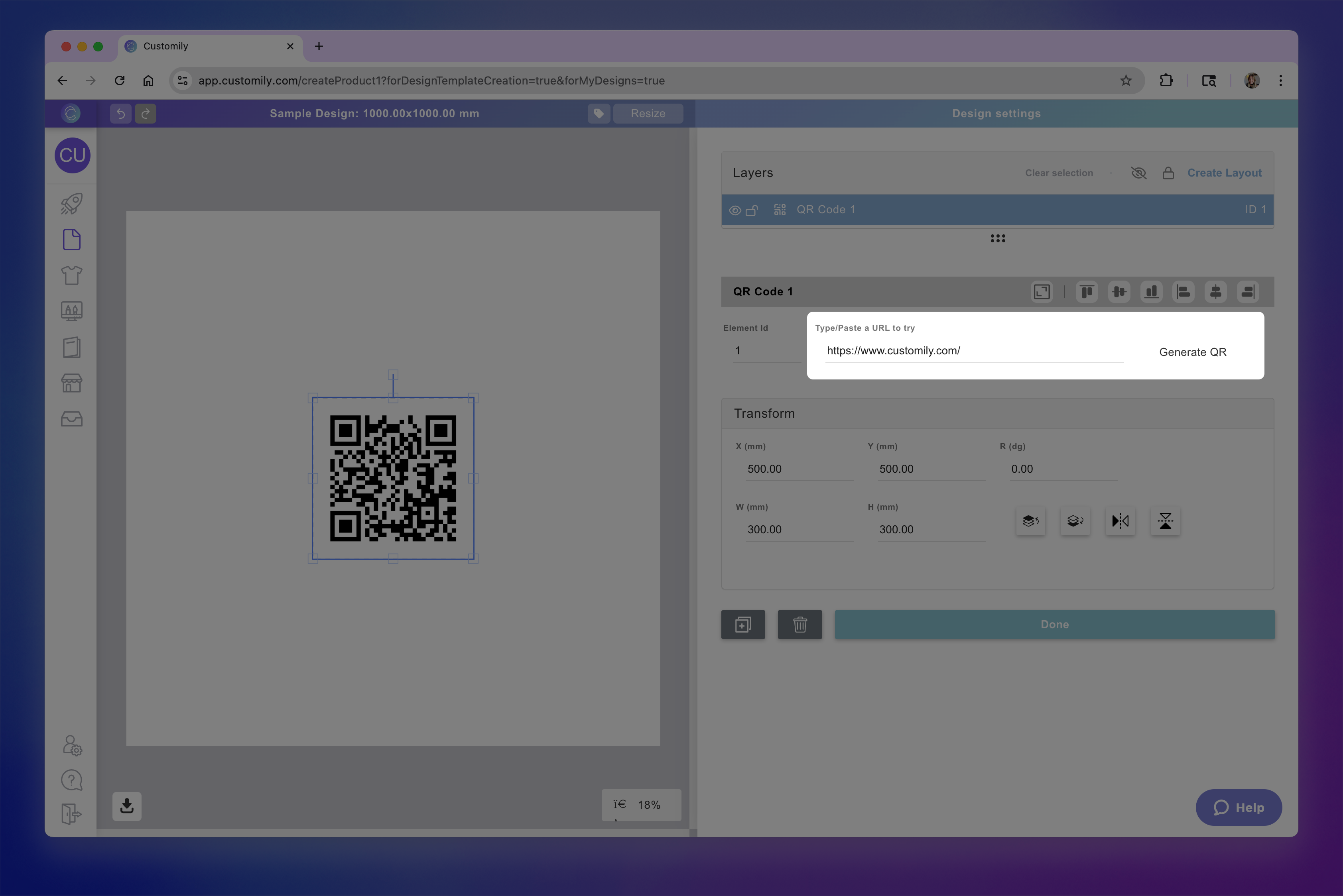
At any moment while configuring your QR code, you can test how it will look on your design, by typing a URL and clicking Generate QR button.
This is just for you to test, whatever QR code you generate won't be saved, and won't be visible to your customers.