How to change your accounts password
Last updated: April 28, 2026
If you know your current password
To access your billing information follow the steps below:
- Login to your Customily account on app.customily.com/signin or open the Customily Product Personalizer App on Shopify
- Head to Account on the left menu
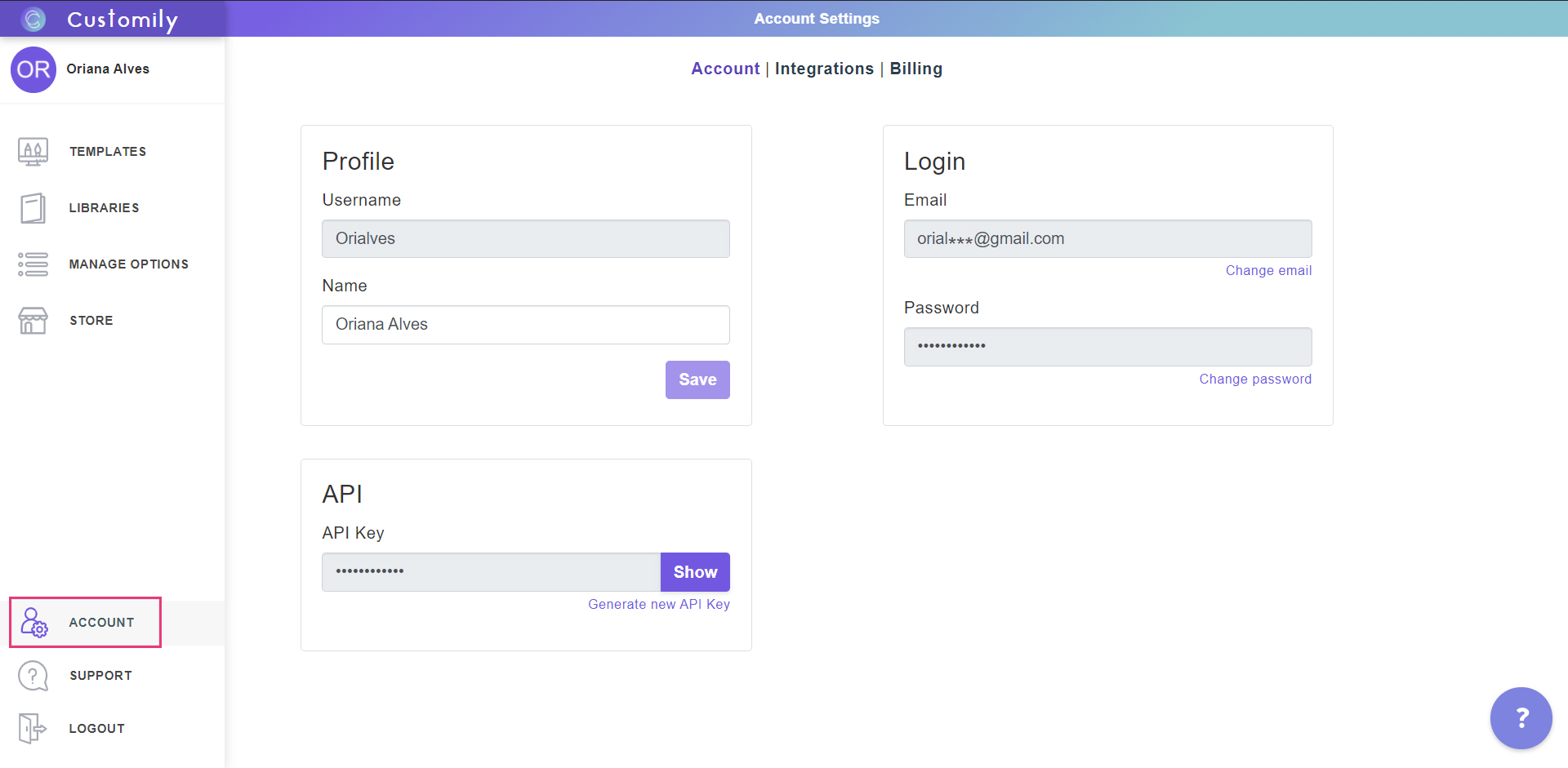
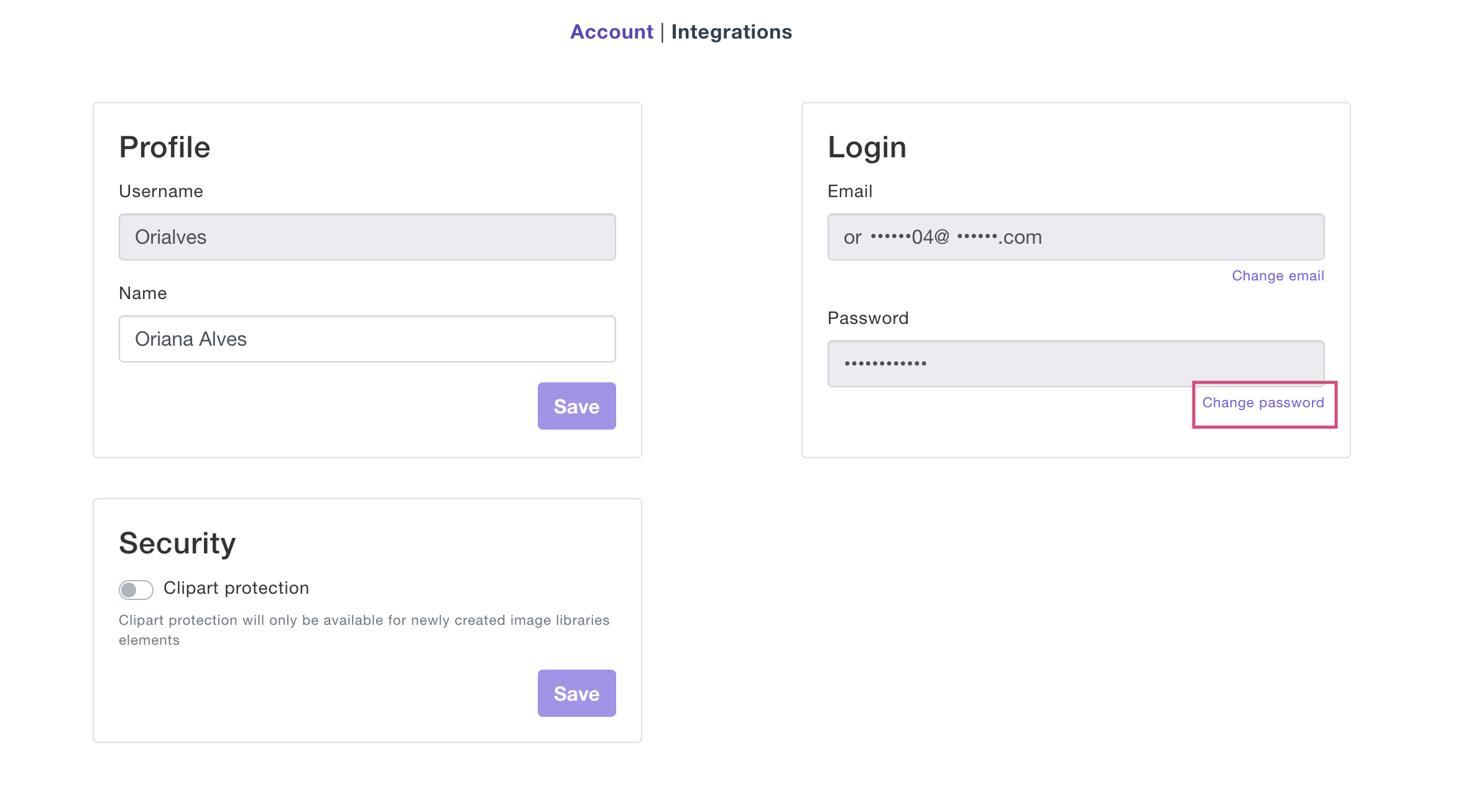
3. On the Account section, look for the Login information. Under your password click Change password
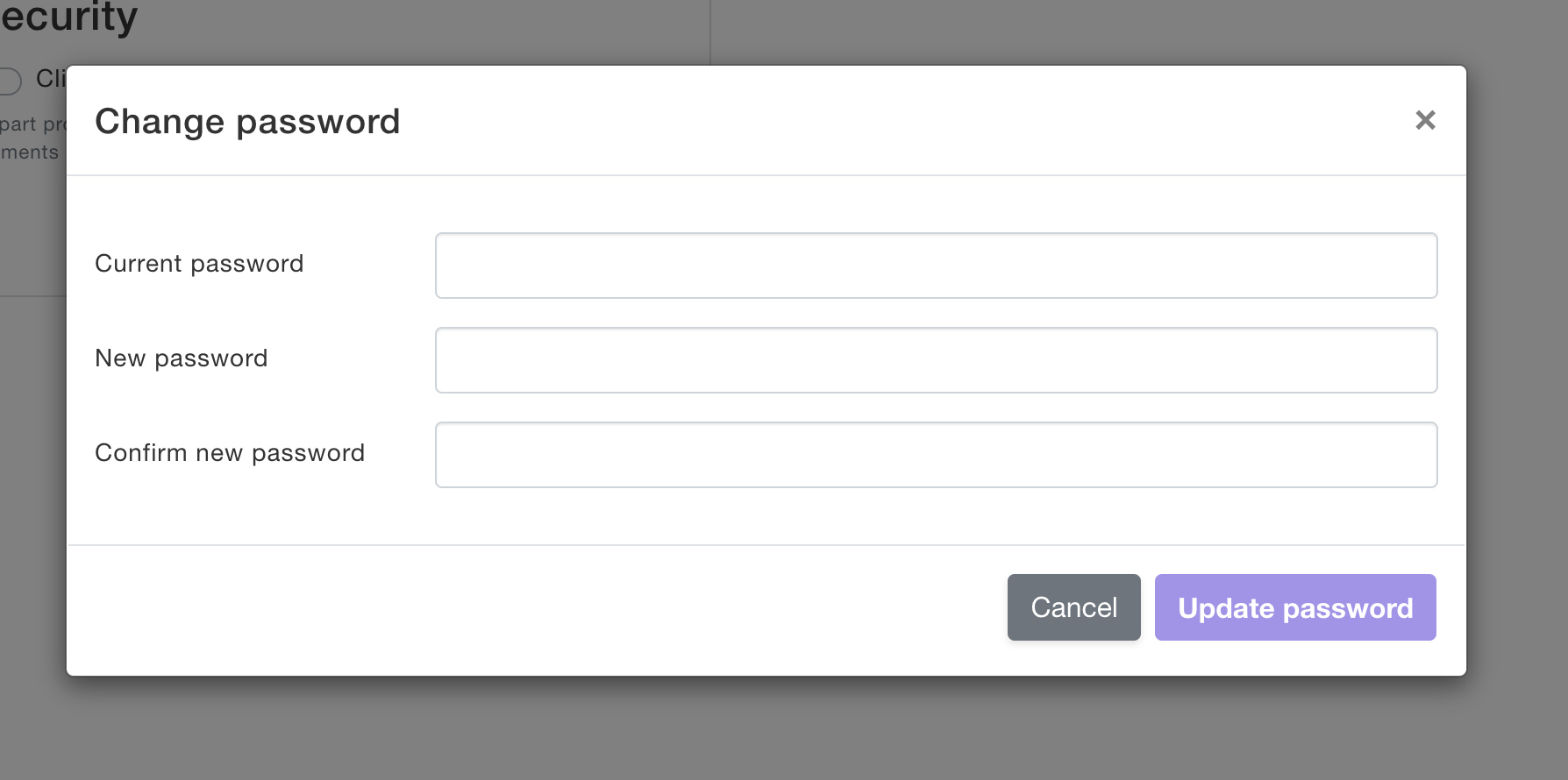
4. Fill out the details with your new password and save the changes
If you forgot your password
- Go to app.customily.com
- Click forgot password
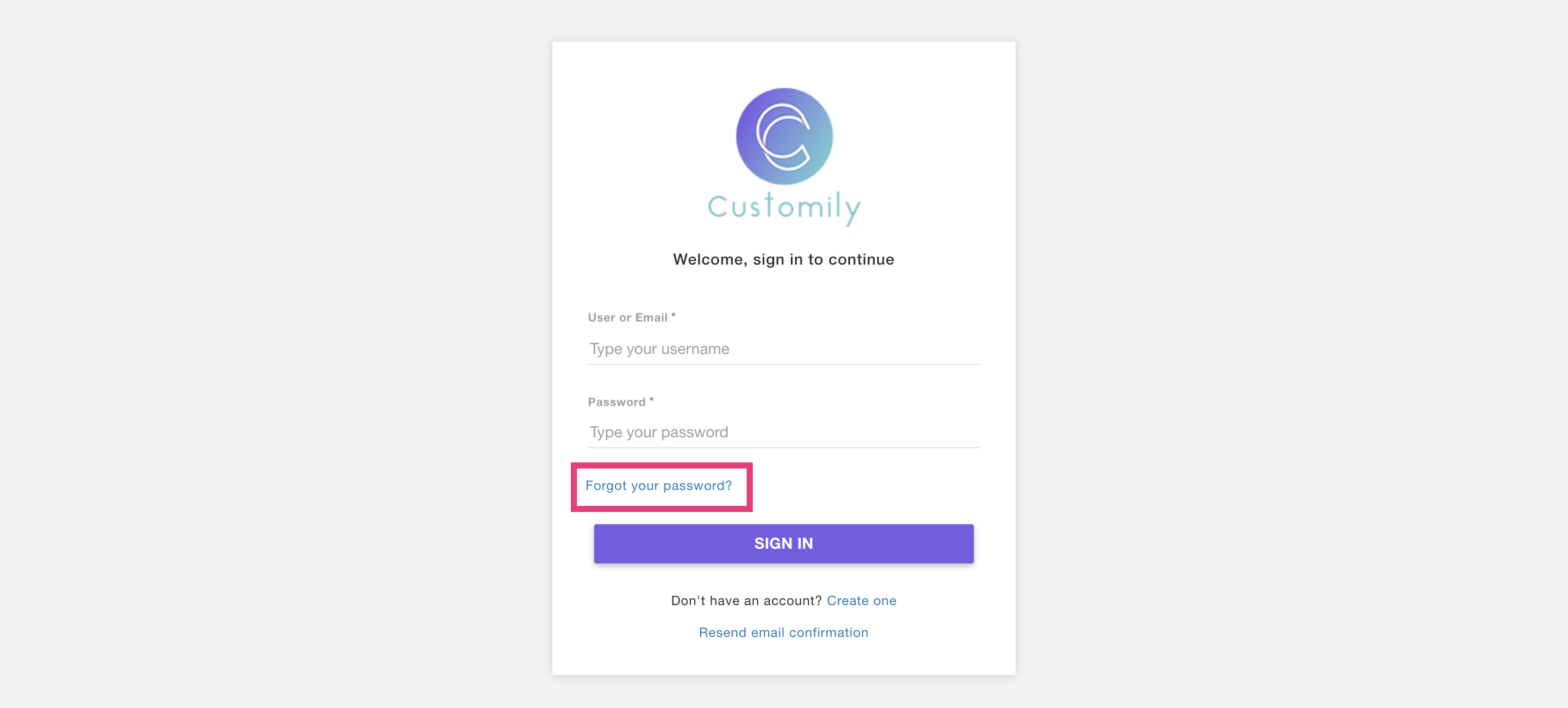
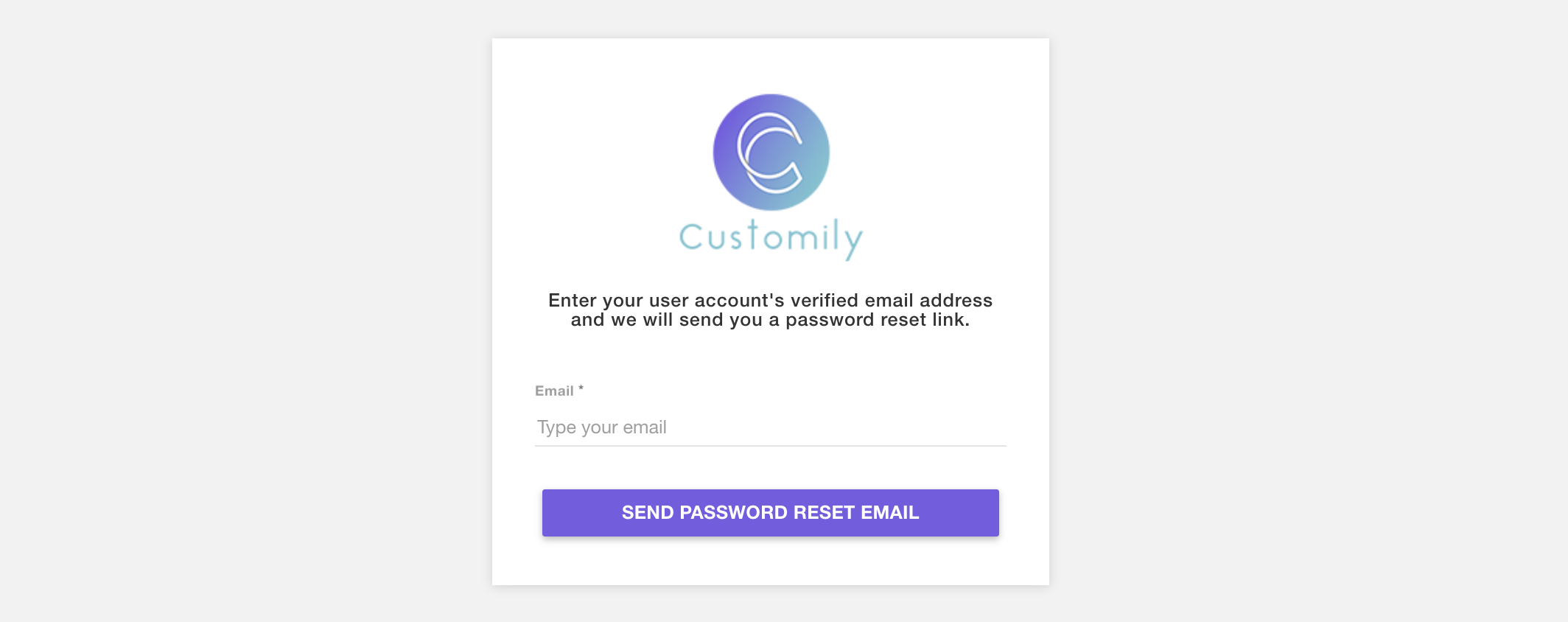
- Enter your email and click send password reset email
- Check your email and follow the steps to reset your password
If you are using Customily Product Personalizer App for Shopify on the $49/month plan.
Your email by default is the same email you have associated with your Shopify store. You'll receive instructions to reset your password there.