Changing the canvas size
Last updated: April 28, 2026
You can change the size of your canvas by clicking the Resize button on the top right corner of your Workspace.

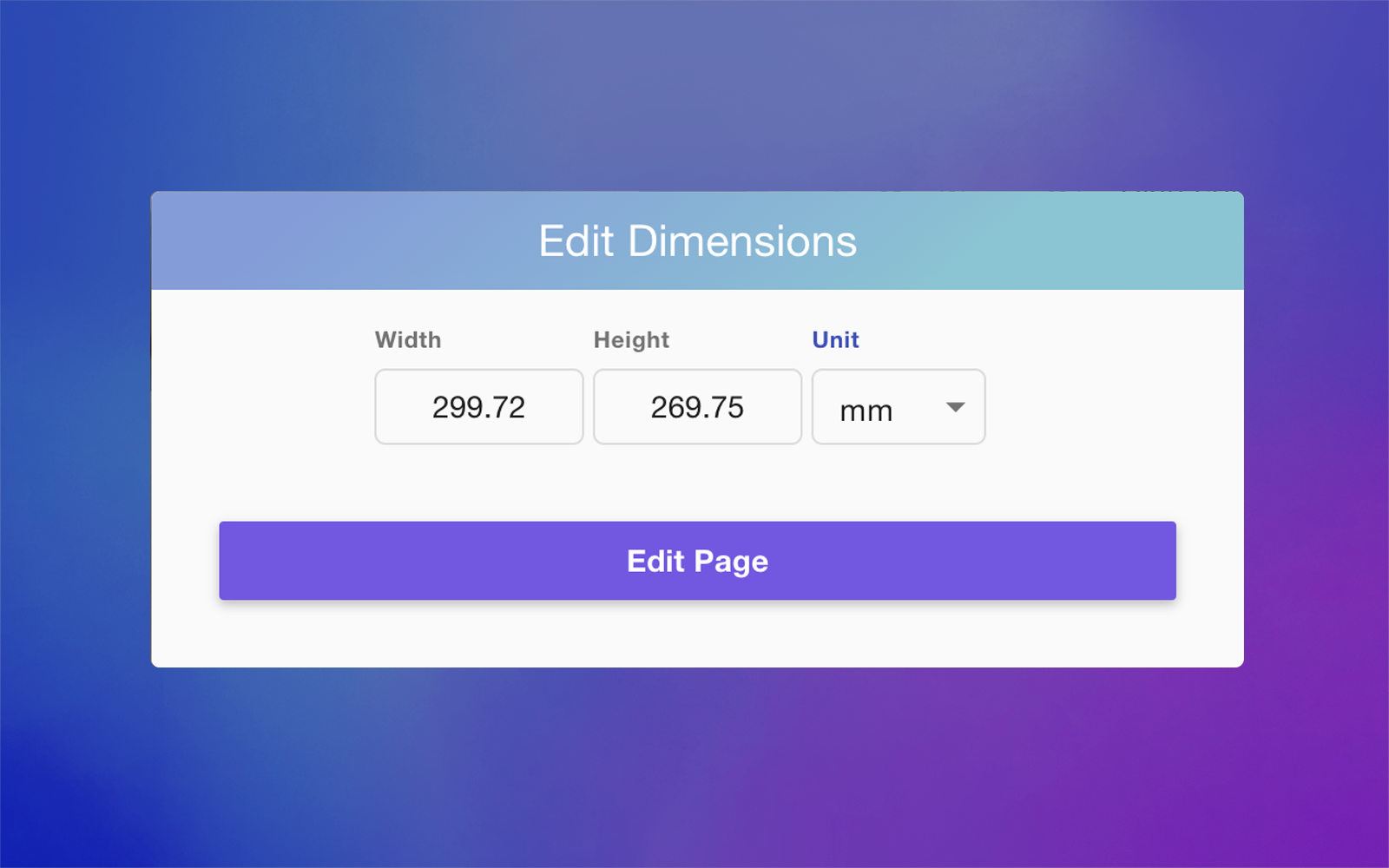
This will open a dialog where you can type the new size you want. You can define the size in the following units:
millimeters
inches
pixels