Hiding elements
Last updated: April 28, 2026
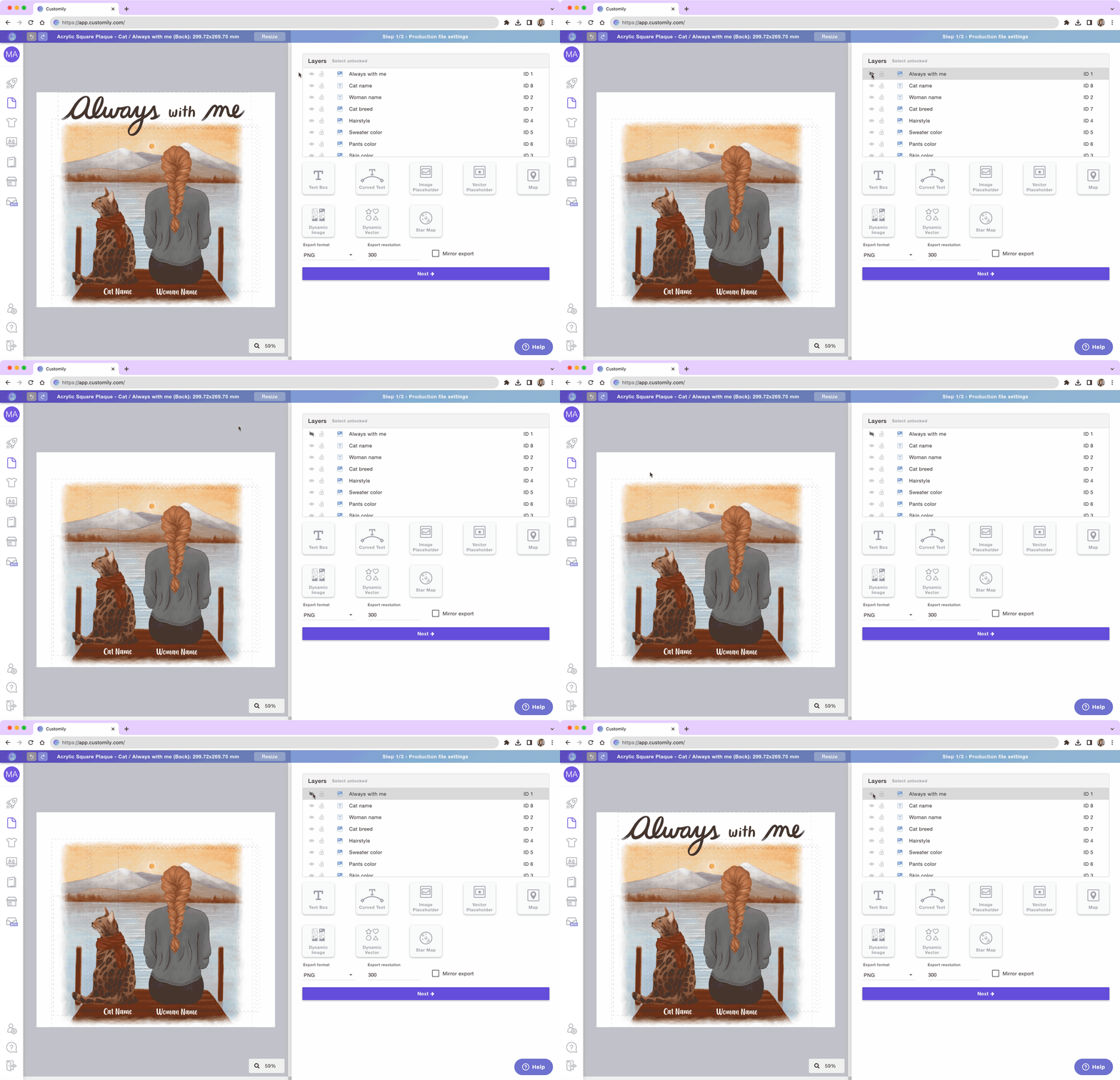
You can hide elements on the Layer Panel to avoid seeing them on the Workspace. Unlike with locked elements, hidden elements can still be edited if selected from the Layer Panel.
To hide an element
Select the element on the Layer Panel or Workspace
Go to the Layer Panel
Click the 👁 next to the layer name
When hidden the layer will be identified with the crossed eye and it wont be visible or selectable on the Workspace.
To show an element
Select the element on the Layer Panel or Workspace
Go to the Layer Panel
Click the crossed 👁 next to the layer name
Important
You can choose to hide elements everywhere, or only on the print file / preview. Keep in mind elements hidden on the print file won't be printed.