What is a Library?
Last updated: May 6, 2026
A Library is a collection of reusable assets that you can apply across multiple designs and templates.
Why use Libraries
Instead of adding the same elements manually every time, you can store them in a library and reuse them across your designs and templates whenever needed.
To use a library in your designs or templates, it must already exist in your account.
If you haven’t created one yet, follow the steps in📄 Create and manage your libraries.
Using libraries helps you save time, stay organized, and scale your product creation more efficiently.
Types of Libraries
Libraries are organized by the type of asset they contain. You can have:
Image Libraries
Color Libraries
Font Libraries
Vector Libraries
You can add libraries to your account in two ways:
Create your own, using your own assets
Import from Customily’s pre-made design libraries
How Libraries work
When you update something inside a library, the change is automatically reflected in every design or template that uses it. This makes it easy to keep your products consistent and up to date.
Where to find your Libraries
You can access your libraries from the sidebar menu under Libraries.
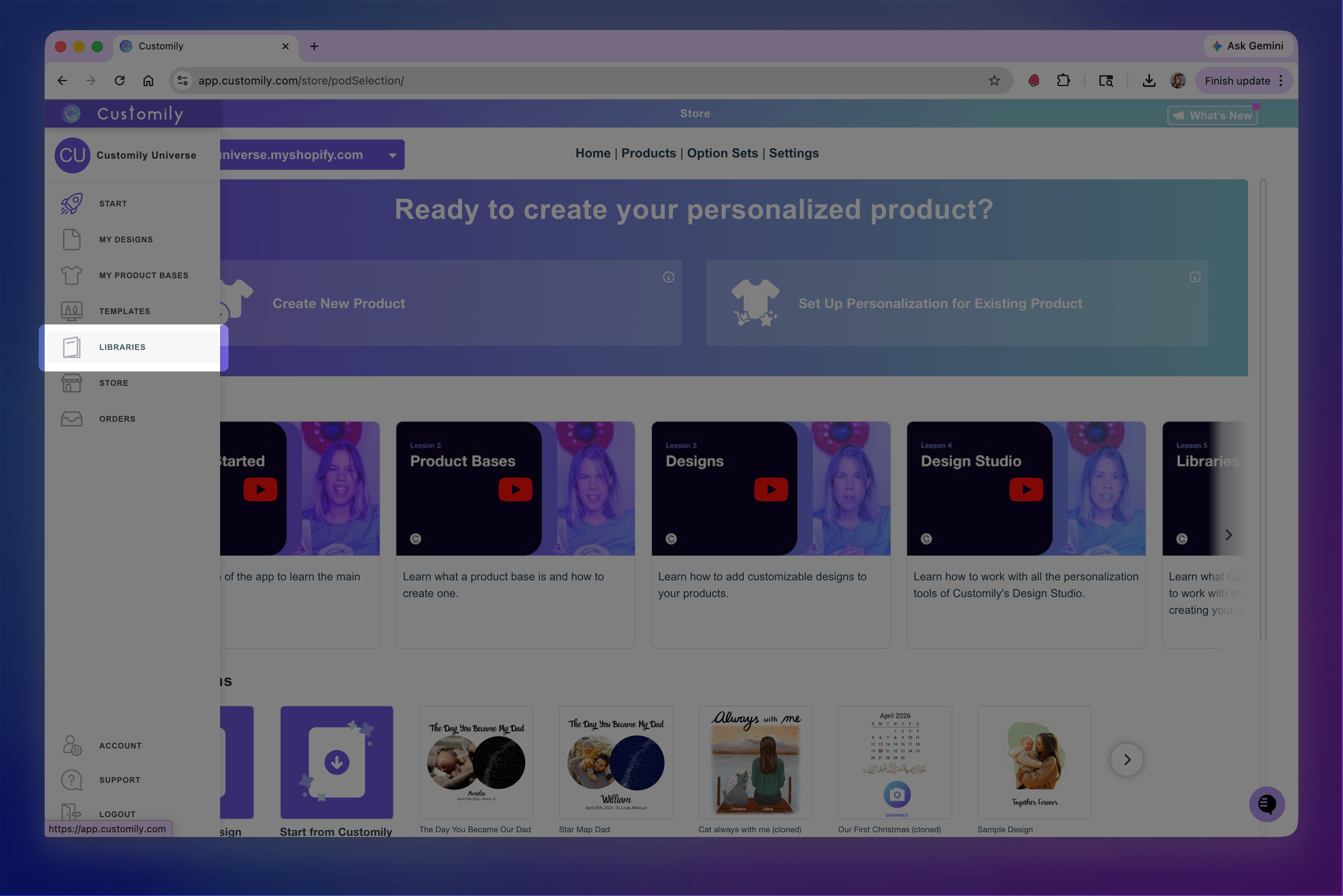
This will take you to the Libraries page, where you can create, manage, and organize your libraries and assets.