Understanding Product Bases
Last updated: August 13, 2026
A Product Base defines how a physical product works in Customily. It contains the information Customily needs to place Designs on the product, generate production files, and create product mockups.
If you use a POD provider connected to Customily, this setup is already done for you. You can simply choose a product from your provider when creating a product.
If you fulfill products yourself or use a provider that isn't connected to Customily, you can create your own Product Base. This lets you define the product's print setup and add the images used to generate its mockups.
Any Design can be applied to a Product Base, whether it's one from Customily's Design Gallery or your own. A Product Base includes the product's variants, print setup, and mockups, so Customily knows where to place the Design for it to print correctly and how to generate the corresponding mockups.
This also makes it easy to reuse the same Product Base with different Designs. If you sell multiple versions of the same physical product with different Designs, you can apply each Design to the same Product Base instead of setting up the product from scratch every time.
Here we can see the same Product Base with multiple Designs applied to it.

If you want to offer products from a POD supplier you can't find on Customily, or without any supplier at all (for example if you use your own original products), then you can create them with "My Product Bases". There you'll be able to input all the necessary details for creating print files and mockups for your products.
When do I need to create a Product Base?
If you use a POD provider connected to Customily, you don't need to create a Product Base yourself. Simply choose a product from your provider when creating your personalized product, and its setup will already be available in Customily.
You'll need to create your own Product Base if you:
Fulfill your own products
Use products from a supplier or POD provider that isn't connected to Customily
Creating a Product Base
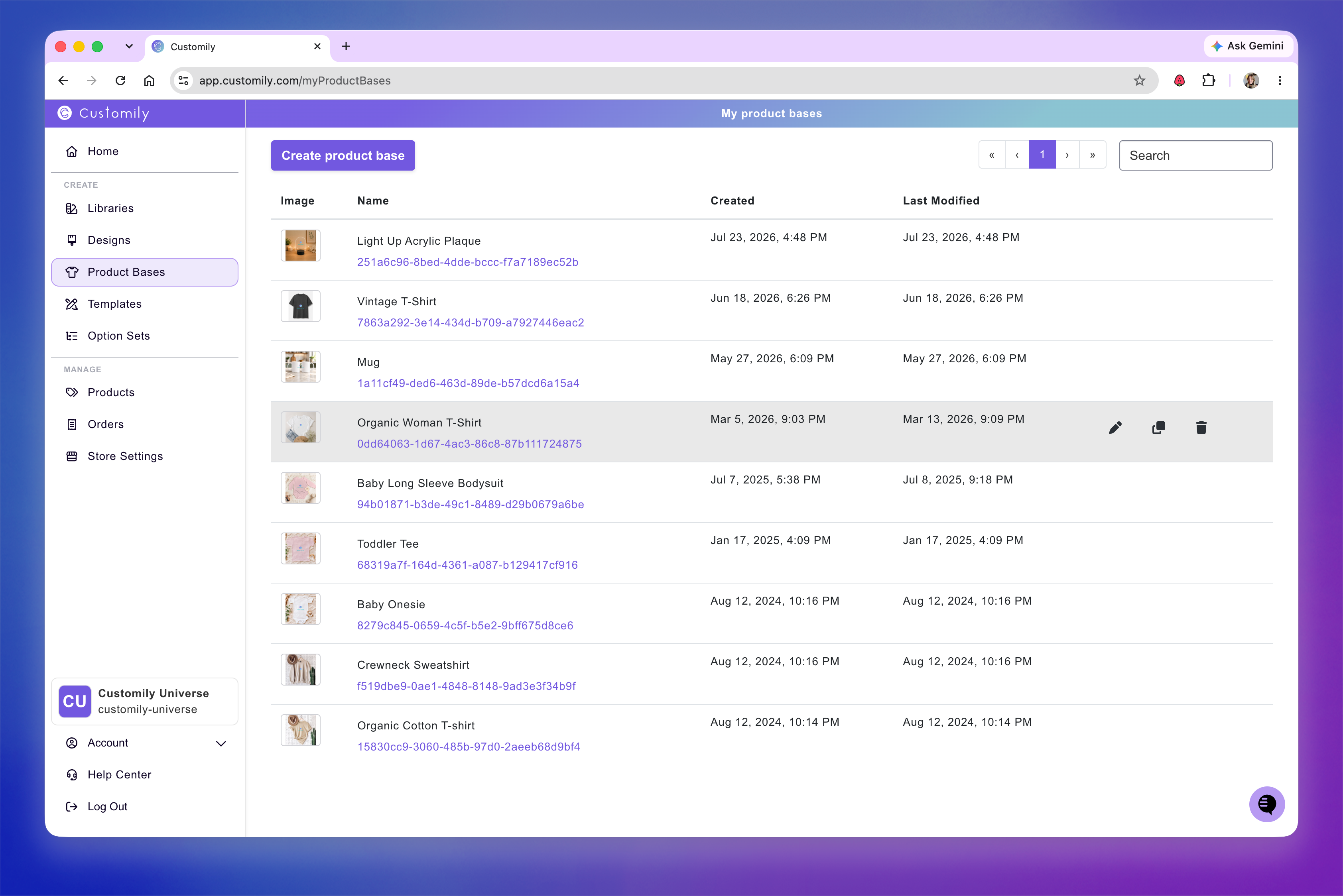
You can create and manage your own Product Bases from My Product Bases. There, you'll see all the Product Bases you've created and can create new ones or edit, clone, and delete existing ones.
When creating or editing a Product Base, you'll use the Design Studio to configure everything Customily needs to work with your product. This includes setting up the print file and print area, adding product images for the mockup, and configuring the product's variants.
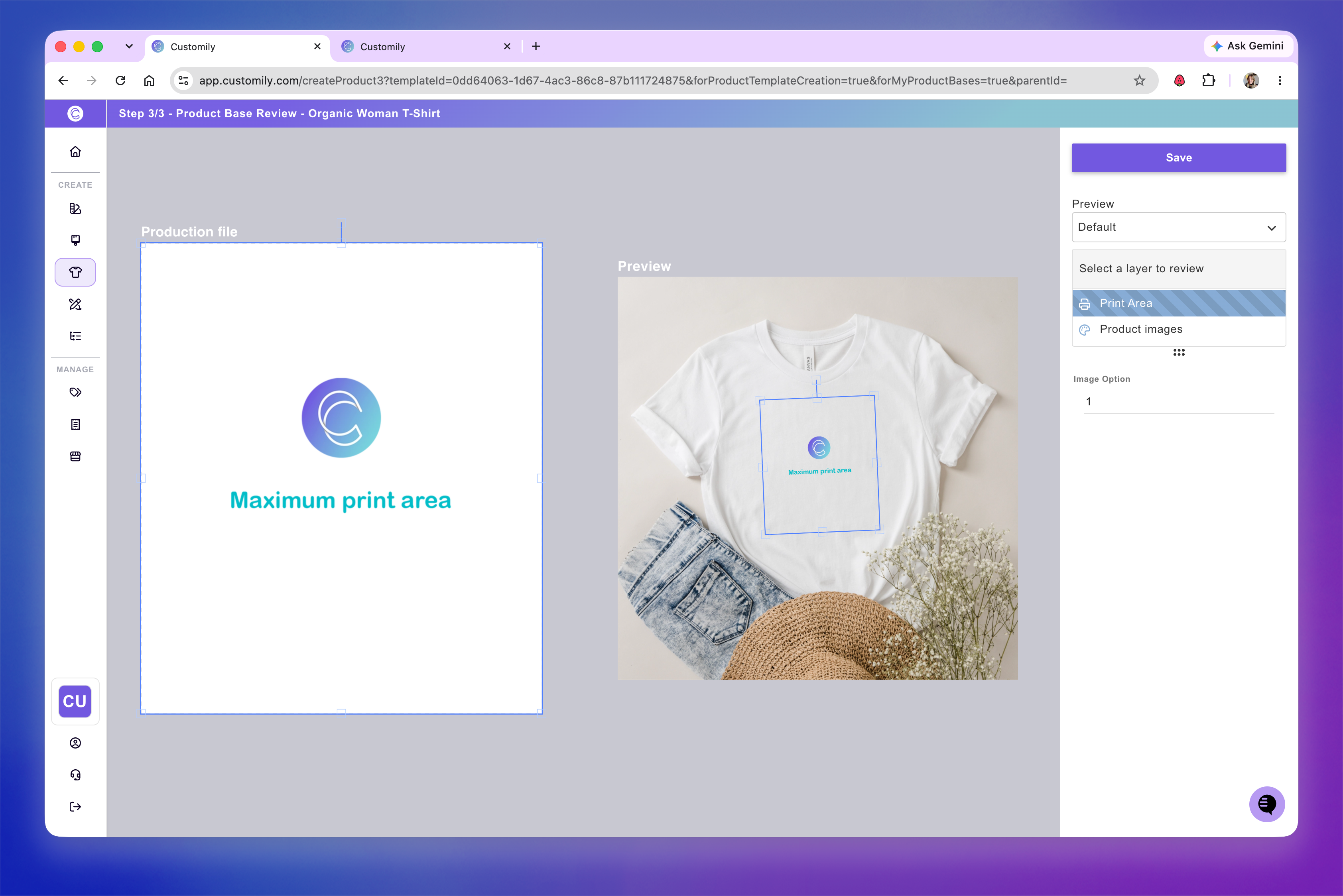
Once your Product Base is ready, you can use it with different Designs to quickly create and publish personalized products.
For a complete walkthrough, see 📄 How to create a "My product base"
Important
Product Bases are only available for stores on Shopify, Etsy, and WooCommerce.