Import elements into your design
Last updated: April 29, 2026
You can import elements into your design instead of building everything from scratch.
This is useful when you already have a design created in another tool, or when you want to reuse layouts, assets, or templates.
Where you can import elements from
You can bring elements into your design from:
PSD files
Canva designs
Other designs or templates in your Customily account
Each option lets you reuse existing work and speed up your design process.
How importing works
When you import a design, Customily converts it into elements inside the Design Studio.
This means:
Text becomes text elements
Images become image elements
Once imported, you can edit each element just like any other element in your design.
Keep in mind
Imported elements are fully editable, but some adjustments may be needed.
For example:
Fonts may need to be uploaded and reassigned if they were not in your Customily account already
Effects from external tools may not translate exactly
How to import elements
All import options follow the same starting steps:
Create a new design or open an existing one
In the Layers panel, click Import
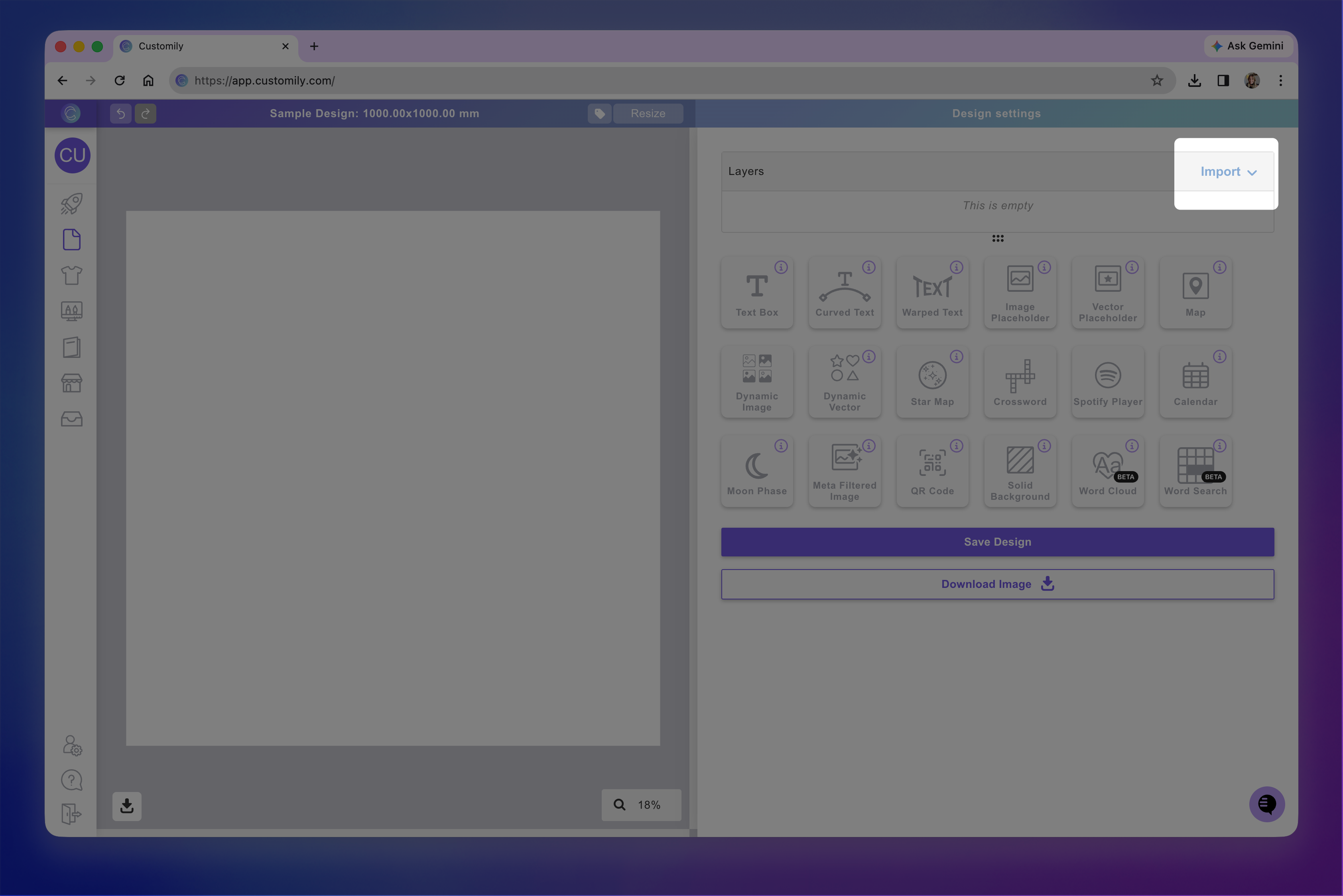
Choose the source (PSD, Canva, or another design)
Follow the prompts to select the file or design, and the elements you want to import
From there, the steps may vary depending on the source.
Use the guides below for detailed instructions:
Import elements from another design