Renaming Elements
Last updated: April 28, 2026
Keep your elements organized by renaming them on the Layer Panel.
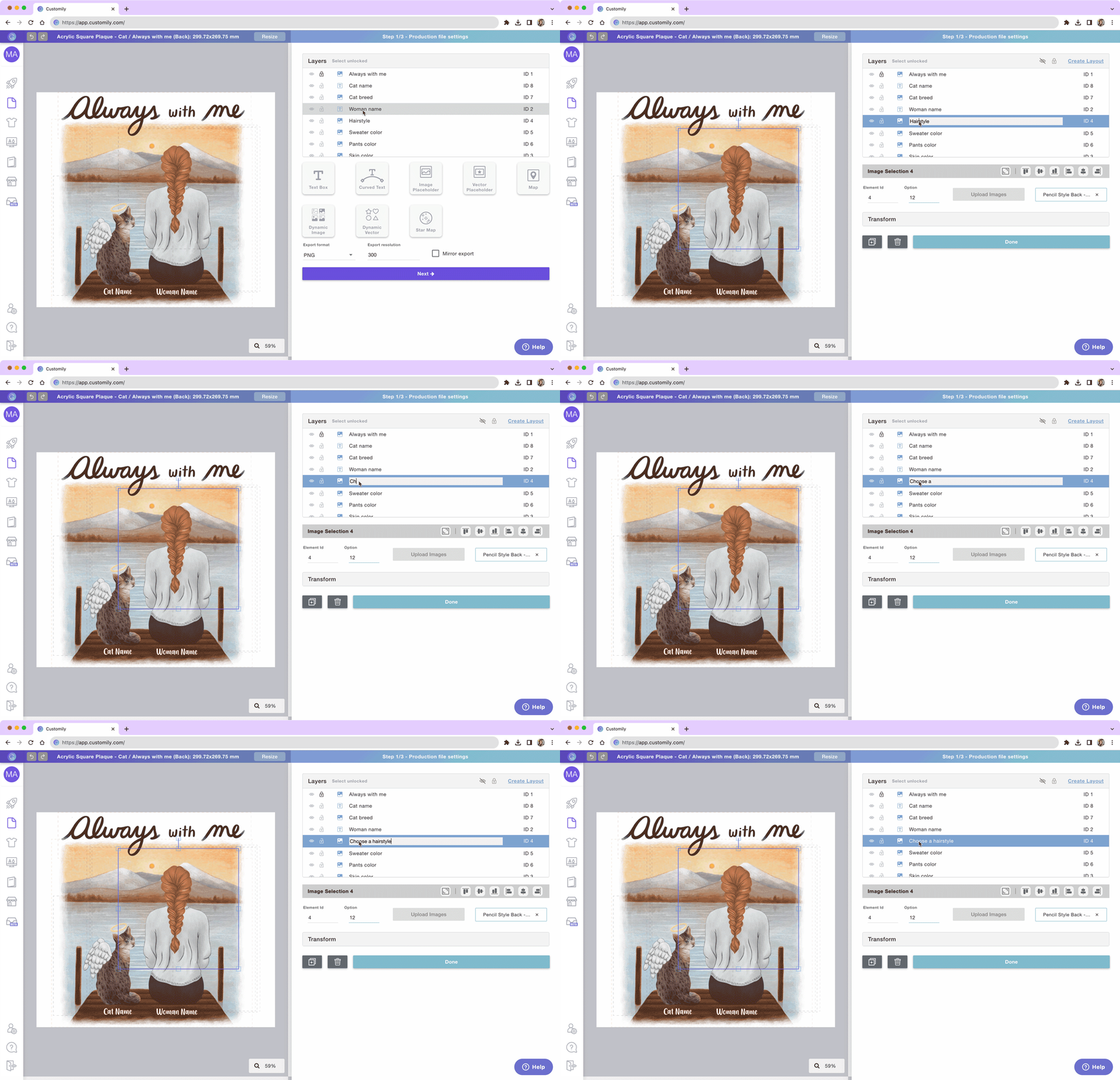
Expand the layer panel
Double-click on the Layer name to highlight it
Write the new name
Press enter or click anywhere outside of the name to save it. Press Esc to cancel the rename.
Pro Tip
The name of the elements is what is used later on as a label for the options your customers will interact with. So naming the layer like you would call the option will save you a lot of work. Great examples of layer names are:
"Add your text"
"Woman's Name"
"Choose hairstyle"