Adding a design element
Last updated: April 28, 2026
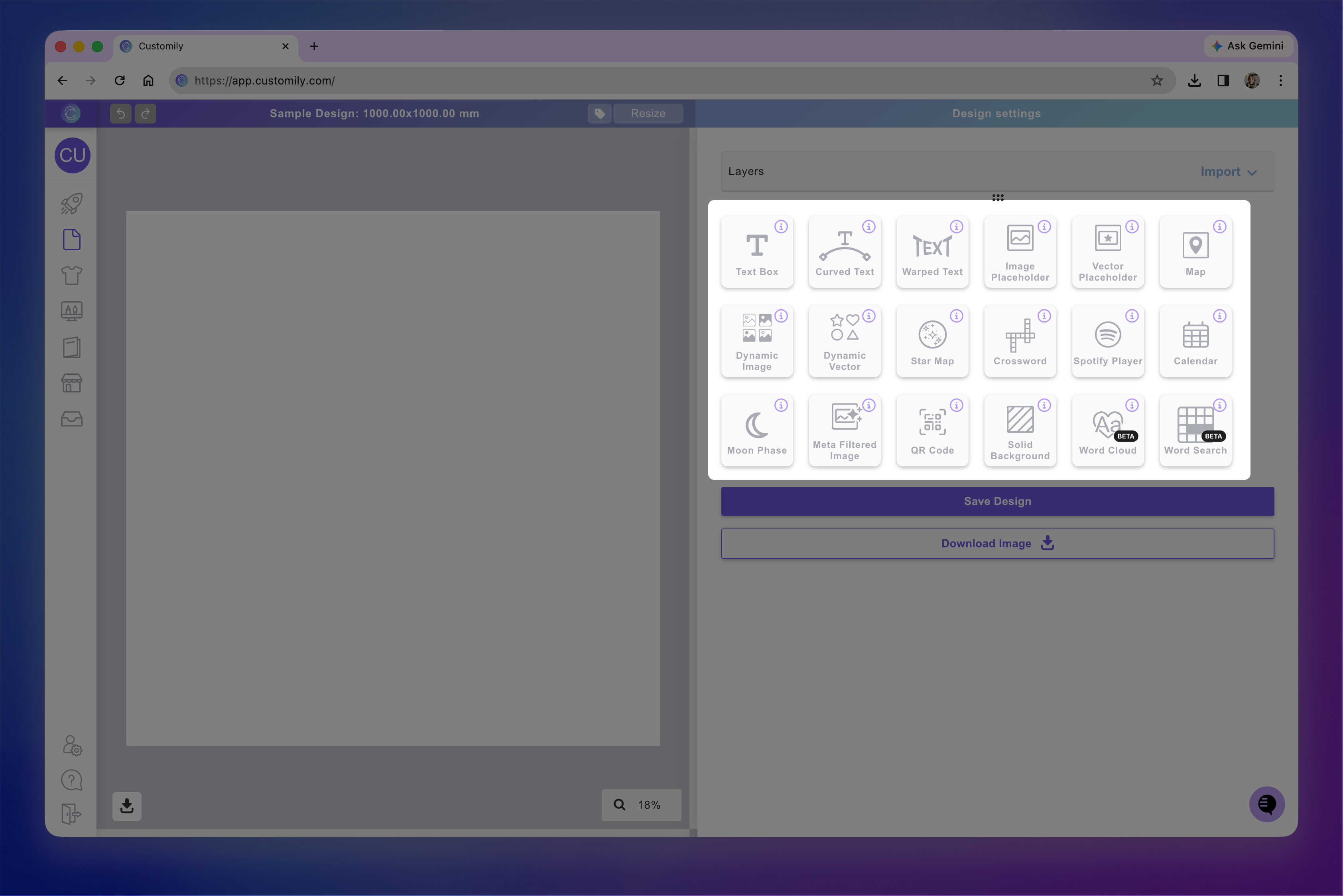
When opening the Design Studio, on your tool panel you'll see the different elements you can add to your canvas to create personalized designs.
The different design elements available are:
QR Code
Solid Background
Word Cloud
Word Search
Click on each one to learn more about what the element can do.
To add a design element
Simply click the button for that element. Once you click it, the element will be added to your canvas. Every time you click those buttons, a new element will be added.